
The webOS Problem Nobody Talks About Honestly
Every guide out there tells you to install an app and paste your M3U link like it’s 2019. Meanwhile, half the resellers reading this have already lost subscribers because IPTV on LG webOS acted up after a firmware update nobody asked for. The TV rebooted, the app vanished from the store, and suddenly your customer thinks your panel is broken.
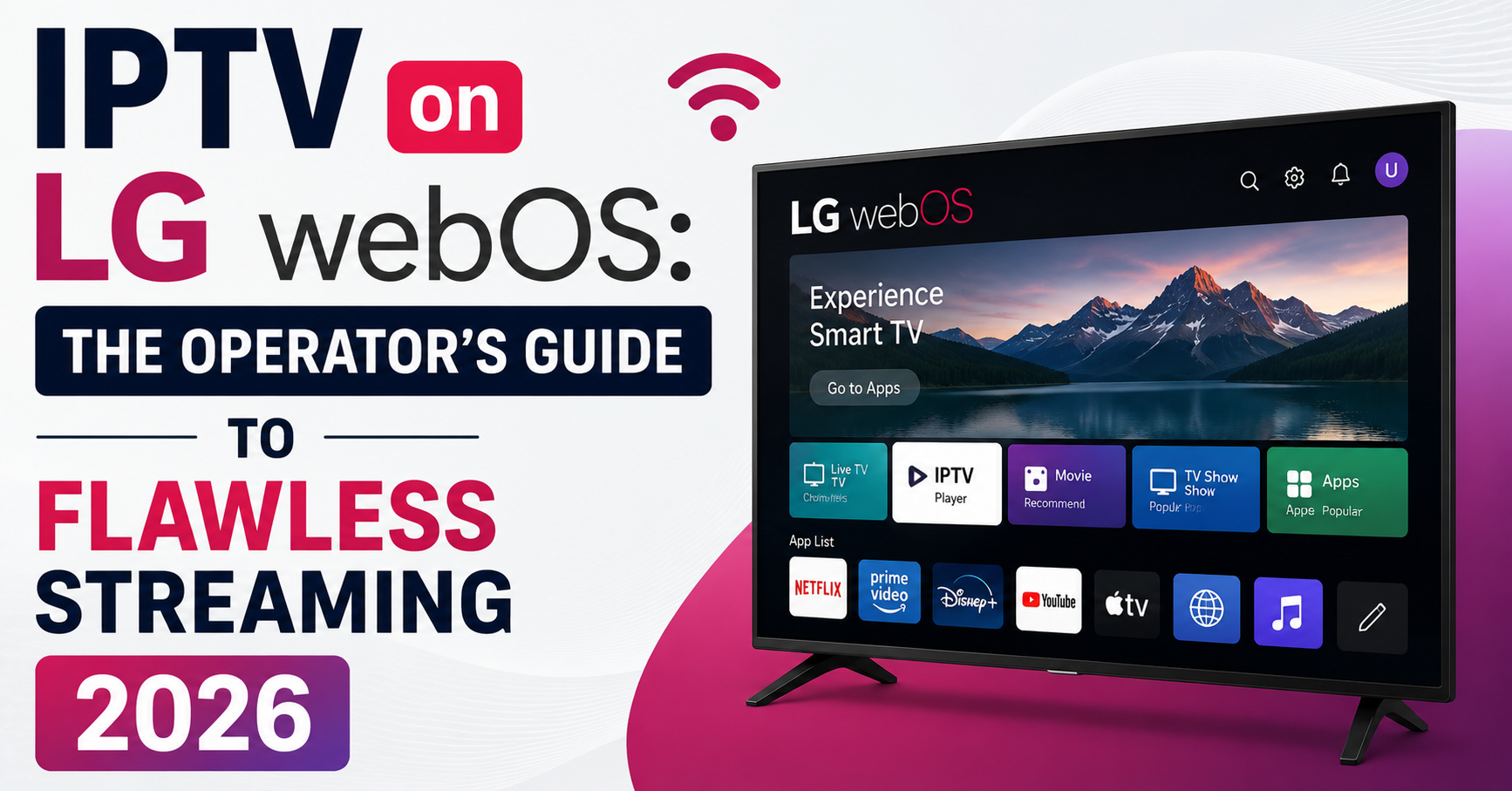
That is the actual landscape of IPTV on LG webOS in 2026. It is not plug-and-play, it is a managed experience that demands you understand the operating system sitting between your stream and the screen. If you are a UK IPTV reseller, this is where retention lives or dies. If you are a household subscriber, this is how you stop blaming your internet for problems your television is creating.
This article comes from years of running panels, fielding support tickets at 2 AM about frozen screens on LG C-series TVs, and testing every workaround that exists. Let’s get into it properly.
What Makes LG webOS Different for IPTV Delivery
LG webOS is not Android. That single fact causes more confusion than any other issue in the IPTV reseller space. Subscribers coming from Firestick or Android boxes expect sideloading, APK installs, and open file management. webOS does not work that way.
The operating system runs a locked-down Linux kernel with a proprietary app layer. That means IPTV on LG webOS requires apps specifically built for the platform or browser-based workarounds. You cannot simply download an APK and transfer it via USB the way you would on a Fire TV Stick.
Pro Tip: When a subscriber asks “Can I install the same app I use on my Firestick?” the answer is almost always no. Train your support team to lead with this upfront. It kills the confusion before it becomes a refund request.
LG’s Content Store controls what apps are available, and that store varies by region and firmware version. An app visible in the UK store might not appear for a subscriber in Germany or Pakistan. This is a real reseller headache when you are managing a multi-country panel.
The App Landscape: What Actually Works in 2026
Forget the lists that recommend fifteen apps. Most of them are either discontinued, geo-locked, or crash after ten minutes. Here is what actually holds up under daily use in 2026.
IPTV Smarters (webOS edition) is the most widely compatible option. It supports Xtream Codes API login, which means your reseller panel connects directly, and EPG loads reliably on webOS 6.0 and above.
Smart IPTV (SIPTV) is still functional but requires a one-time activation per MAC address. The activation model confuses subscribers, so prepare a walkthrough.
IBO Player is gaining traction because it handles HLS latency better than most alternatives on this platform.
LG’s built-in browser is a last-resort option for web-based players, but buffering is aggressive unless the stream is optimised for browser delivery.
The critical thing resellers miss about IPTV on LG webOS is app persistence. After firmware updates, some apps lose their settings or disappear entirely. You need a proactive communication plan for this, not reactive support tickets.
Firmware Updates: The Silent Killer of webOS Setups
Here is something no generic article will tell you. LG pushes automatic firmware updates that can alter DNS handling, disable previously working apps, and reset network configurations. For a household running IPTV on LG webOS, this means the setup you perfected last month can break overnight without any action from the user.
The table below shows what commonly changes after an update:
| Issue | Before update | After update |
|---|---|---|
| DNS settings | Custom DNS applied | Reverts to ISP default |
| App availability | SIPTV installed, working | App removed from store |
| Network priority | Ethernet preferred | Wi-Fi re-enabled by default |
| EPG loading | Loads within 3 seconds | Fails or times out |
That table is not theoretical. These are documented patterns across webOS 22 and webOS 23 updates.
Pro Tip: Tell your subscribers to disable automatic updates on their LG TV. The setting is buried under General → About This TV → Software Update. Turning off auto-update is the single most protective step for maintaining a stable IPTV on LG webOS experience.
For resellers, this means you need to track LG firmware release cycles. When a new update drops, test it on your own LG TV before your subscriber base encounters problems. Proactive testing saves you dozens of support conversations.
DNS Configuration on LG webOS: Why ISP Defaults Wreck Your Streams
DNS is not glamorous, but it is the reason half your LG subscribers complain about buffering while your Firestick users on the same panel have zero issues. LG televisions default to whatever DNS the ISP assigns, and in markets where ISPs engage in DNS poisoning or traffic shaping, this cripples IPTV delivery.
Changing DNS on an LG TV is not as straightforward as it is on Android. The process requires going to Settings → Network → Wi-Fi or Wired Connection, selecting your active connection then Edit, unchecking “Set Automatically,” and entering a DNS server manually (common choices include 1.1.1.1 or 8.8.8.8).
The problem is that some webOS versions hide this menu or grey it out after firmware updates. When that happens, the workaround is configuring DNS at the router level, which is beyond most household subscribers’ ability.
For resellers, building a one-page PDF guide for DNS configuration on LG webOS and including it in every onboarding email reduces “buffering” support tickets by a measurable margin.
HLS Latency and Buffering Behaviour Specific to webOS
Buffering on IPTV on LG webOS has a different character than buffering on dedicated set-top boxes. The reason is the HLS player implementation inside webOS, which handles adaptive bitrate switching differently than hardware-accelerated players on MAG boxes or Formuler devices.
On a MAG box, the player aggressively drops resolution to maintain continuity. On webOS, the native player tends to pause and buffer rather than downgrade quality. This means a subscriber watching a premium sports stream during a peak-traffic window sees a loading spinner instead of a brief quality dip.
Pro Tip: If your panel supports multiple stream qualities, advise LG webOS users to manually select a stream one tier below their maximum bandwidth. A subscriber with 50 Mbps should select the 30 Mbps stream profile. This buffer margin prevents the pause-and-load behaviour that webOS defaults to.
Additionally, HLS segment size matters. Panels delivering 10-second segments perform worse on webOS than those using 4-second or 6-second segments. If you control your middleware, shortening segment duration improves the IPTV on LG webOS experience significantly.
Load Balancing: What Happens When 500 LG Users Hit Your Panel at Once
This is where amateur operations collapse. IPTV on LG webOS does not forgive server-side stutters the way Android apps sometimes do with built-in retry logic. When a webOS app loses its stream connection, the recovery is slower and often requires the subscriber to manually restart the app. That means your backend infrastructure matters more for LG users than almost any other device category.
Here’s how budget and premium infrastructure compare for this specific device category:
| Factor | Budget infrastructure | Premium infrastructure |
|---|---|---|
| Uplink redundancy | Single server, no failover | Multiple backup uplink servers |
| CDN integration | None | Edge nodes in target regions |
| Load balancer | Software-only, shared | Dedicated hardware balancer |
| Recovery after drop | 15–30 seconds | 2–5 seconds |
| Panel credit cost | Cheap per credit | Higher, but churn is lower |
If you are selling panel credits and your LG webOS subscribers churn faster than your Android subscribers, the problem is almost certainly infrastructure, not the app, not the TV, and not the subscriber’s internet.
Ethernet vs Wi-Fi: The Argument That Settles Most LG Buffering Complaints
Every support channel in the IPTV UK Panel reseller world has the same recurring conversation. Subscriber says: “It buffers every evening.” Reseller asks: “Are you on Wi-Fi or Ethernet?” Subscriber says: “Wi-Fi, but my internet is fast.”
IPTV on LG webOS is more sensitive to Wi-Fi instability than most platforms. The reason is that webOS does not handle packet loss gracefully. Where a Firestick might auto-recover in under a second, webOS pauses the stream and displays a loading screen.
Ethernet eliminates Wi-Fi congestion variables entirely, and a simple Cat6 cable from the router to the TV costs less than a single lost subscriber. For subscribers who cannot run cable, a powerline Ethernet adapter is a reliable middle ground.
Pro Tip: Include “Use Ethernet” as step one in your LG webOS setup guide. Make it non-negotiable language. Do not frame it as a suggestion, frame it as a requirement: “For IPTV on LG webOS, Ethernet is required for stable performance.” Subscribers respond better to firm instructions than polite suggestions.
ISP Blocking Trends in 2026 and How They Hit LG Users Harder
AI-driven traffic analysis has changed ISP blocking. In 2024, blocking was mostly DNS-based and easy to circumvent. By 2026, several major UK and European ISPs use deep packet inspection combined with machine learning to identify IPTV traffic patterns, even on encrypted connections.
For IPTV on LG webOS, this is a sharper problem because VPN options on the platform are extremely limited. Unlike Android, where you install any VPN app and route all traffic through it, webOS has no native VPN client and only a handful of DNS-based privacy tools available through the Content Store.
Workarounds that actually function include configuring a VPN at the router level so all traffic from the LG TV passes through it automatically, using a Smart DNS service that specifically supports IPTV traffic (not all do), and in some cases resellers offering server-side obfuscation that masks HLS traffic signatures before they reach the subscriber’s connection.
The reseller who ignores ISP blocking trends will lose LG webOS subscribers first, because those subscribers have the fewest client-side tools to fight back.
Panel Credit Economics for LG-Heavy Subscriber Bases
Here is a dimension most guides skip entirely. If your reseller panel serves a high percentage of LG webOS users, your support costs per subscriber are higher than a panel dominated by Firestick or Android users. The app ecosystem is smaller, troubleshooting is more complex, and firmware-related issues create recurring support cycles.
This means your panel credit pricing needs to account for that overhead. Resellers who price LG subscribers the same as Android subscribers are subsidising complexity with margin they don’t have.
Track device-type distribution in your panel analytics, calculate average support tickets per device type per month, and adjust pricing tiers or create LG-specific onboarding packages that reduce ticket volume.
IPTV on LG webOS can absolutely be profitable, but only if you treat it as a distinct operational category rather than lumping it in with “smart TV subscribers.”
Scaling Beyond 1,000 LG webOS Connections Without Collapse
Scaling IPTV on LG webOS connections requires planning that goes beyond buying more server capacity. The webOS player behaviour discussed earlier, pause-on-buffer rather than degrade-quality, means that server-side hiccups have a cascading effect. One stutter causes a reconnection wave that can overload your load balancer if it is not configured for burst handling.
Steps that protect you at scale include deploying backup uplink servers in at least two geographic regions matching your subscriber base, implementing connection queuing so reconnection floods don’t spike simultaneously, monitoring your CDN edge node performance during peak hours (typically 7 PM to 11 PM local time in the UK market), and using panel-level analytics to identify which LG app versions generate the most reconnection requests, then pushing updates or workarounds to those subscribers specifically.
Pro Tip: The cheapest investment you will ever make is a second uplink server. The most expensive lesson you will ever learn is losing 200 subscribers in one evening because your single server went down during a major sporting event. IPTV on LG webOS subscribers are the first to leave because their recovery experience is the worst.
EPG Management on LG webOS: Small Detail, Big Retention Impact
Electronic Programme Guide performance is a sleeper issue. Subscribers do not consciously think about EPG until it breaks, then it becomes the only thing they think about. On IPTV on LG webOS, EPG loading depends heavily on which app is being used and how the panel delivers guide data.
SIPTV handles EPG differently than IPTV Smarters. Smarters pulls EPG via the Xtream API, which means guide data accuracy depends on your panel’s EPG source and refresh cycle. SIPTV uses an external EPG URL that the subscriber (or reseller) configures manually.
Refresh your panel EPG source at least every 12 hours, test EPG loading times on an actual LG TV rather than just in a browser emulator, and remember that if EPG fails to load, the subscriber sees blank programme listings, which looks like your entire service is broken even when streams work fine.
For resellers, a broken EPG on LG webOS is a support ticket that wastes time and erodes trust. Automate EPG monitoring and you eliminate an entire category of complaints.
Frequently Asked Questions
How do I install IPTV on LG webOS if the app is not in my country’s Content Store?
You can change your LG account region to access apps available in other stores, though this may affect other TV services. Alternatively, use the built-in web browser to access a web-based player provided by your reseller. Some resellers also offer activation via MAC address for apps like SIPTV, which bypasses store availability entirely.
Does IPTV on LG webOS work without an internet connection?
No. IPTV requires a constant, stable internet connection to function. Unlike traditional broadcast television that uses aerial or satellite signals, IPTV on LG webOS streams content over your broadband connection in real time. Without internet access, no channels will load regardless of which app you use.
Can I use a VPN with IPTV on LG webOS to avoid ISP blocking?
webOS does not support native VPN apps the way Android does. Your best option is configuring a VPN directly on your router, which routes all TV traffic through an encrypted tunnel automatically. Smart DNS services are another option, though they do not encrypt traffic, they only reroute DNS queries to bypass geographic or ISP-level restrictions.
Why does IPTV on LG webOS buffer more than on my Firestick?
The webOS media player handles adaptive bitrate switching differently. Instead of dropping video quality to maintain playback continuity, webOS tends to pause and buffer. Combined with Wi-Fi sensitivity and ISP-default DNS settings, this creates more visible buffering. Switching to Ethernet and manually selecting a lower stream quality profile usually resolves it.
How many panel credits should a reseller budget for LG webOS subscribers?
LG webOS subscribers typically generate more support overhead than Android or Firestick users due to firmware update disruptions and limited app availability. Budget approximately 15 to 20 percent more per LG subscriber when calculating panel credit allocation, and offset this by providing thorough onboarding documentation that reduces recurring support tickets.
Is IPTV on LG webOS legal in the UK?
IPTV technology itself is legal. The legality depends entirely on the content being accessed and whether it is licensed. Resellers should ensure their operations comply with local broadcasting and intellectual property regulations. Subscribers should verify that the service they purchase operates within applicable laws in their jurisdiction.
What internet speed do I need for IPTV on LG webOS?
A minimum of 25 Mbps is recommended for reliable HD streaming, and 50 Mbps or higher for 4K content. However, raw speed is only part of the equation. Connection stability, latency, and whether your ISP throttles streaming traffic matter equally. A stable 30 Mbps Ethernet connection outperforms an unstable 100 Mbps Wi-Fi signal every time.
Can I run IPTV on LG webOS on older LG smart TVs?
It depends on the webOS version. TVs running webOS 3.0 or older have very limited app support and may not run current IPTV apps at all. webOS 4.5 and above offers the best compatibility. If your TV is from 2016 or earlier, a dedicated external device like a Firestick connected via HDMI is usually a more reliable option than trying to force IPTV on LG webOS natively.
Success Checklist for IPTV on LG webOS Resellers
- Audit your subscriber base by device type, know exactly what percentage runs LG webOS
- Build a dedicated LG webOS onboarding PDF covering DNS settings, Ethernet requirement, and app installation for your supported apps
- Include auto-update disable instructions in every LG subscriber welcome message
- Test every LG firmware update on your own hardware before it reaches your subscriber base
- Deploy at least two backup uplink servers in regions matching your heaviest subscriber concentration
- Shorten HLS segment duration to 4–6 seconds if your middleware allows it
- Automate EPG refresh cycles to run every 12 hours minimum
- Price LG webOS subscribers with a support overhead margin, don’t subsidise complexity
- Monitor reconnection patterns during peak evening hours to catch infrastructure weaknesses before they cause churn
- Visit britishseller.co.uk for panel credit packages built around multi-device IPTV Panel reseller operations including LG webOS support