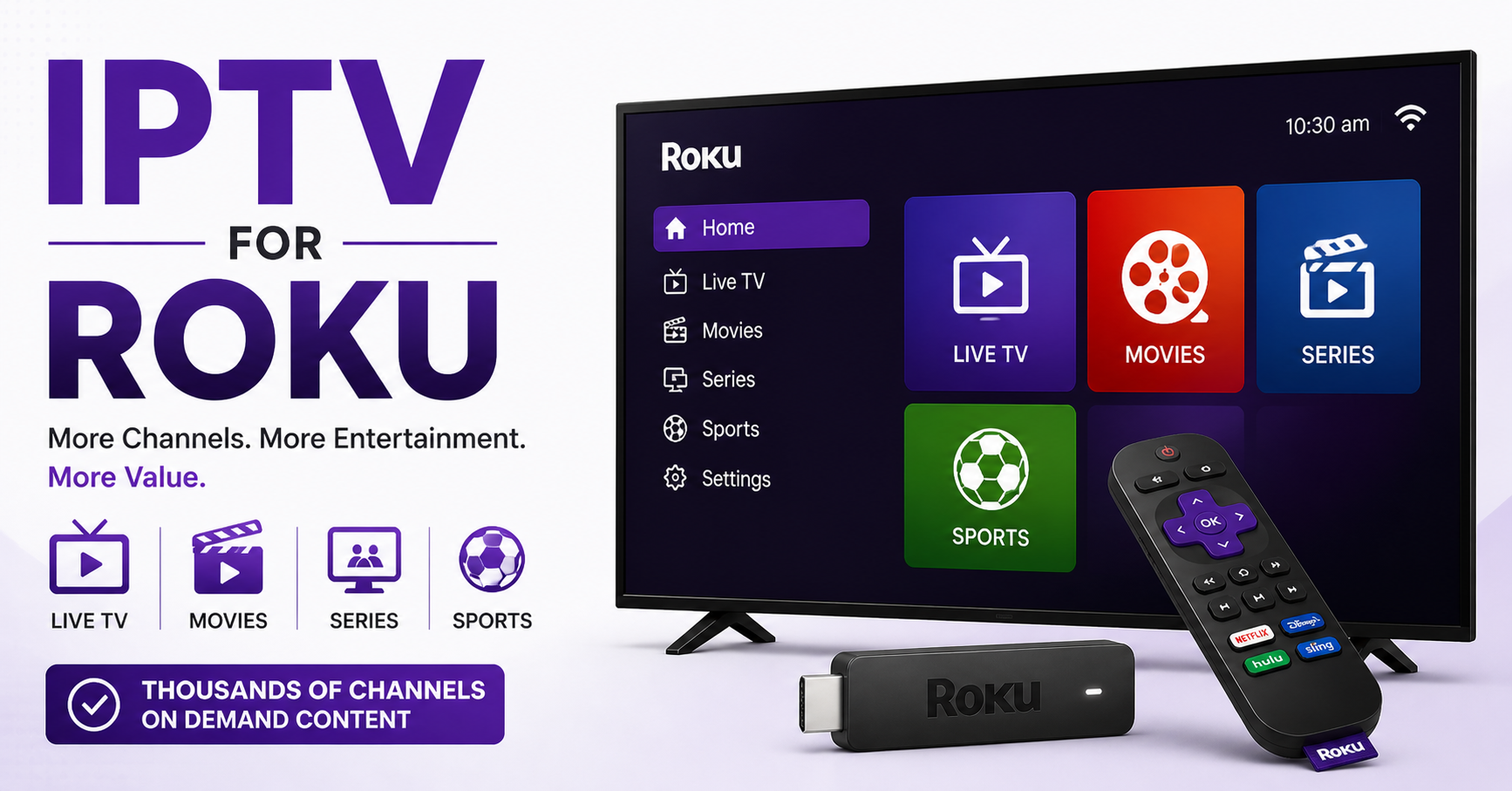

IPTV for Roku in 2026: What Resellers Need to Know Before Selling It
Roku doesn’t play by the same rules as Firestick. Most resellers figure this out the hard way, after a client calls at 11pm complaining their streams are dead, their Roku shows nothing, and they want a refund. If you’re selling IPTV without understanding how Roku’s architecture works, you’re flying blind.
This guide is for the reseller who’s already past the basics. You know what a panel is. You know what M3U means. What you might not know is why IPTV for Roku behaves differently under pressure, which sideloading methods actually hold up in 2026, and how to build a subscriber base on Roku that doesn’t collapse every time there’s a big match on.
Why Roku Is a Different Beast for IPTV Delivery
Most IPTV infrastructure is designed with Android in mind. APKs install directly, players like TiviMate handle playlists natively, and you’ve got deep control over buffer settings. Roku strips all of that away.
Roku runs a closed, proprietary OS. There’s no native APK support, no direct sideloading via ADB in the traditional sense, and no mainstream IPTV player available through the official Roku Channel Store. This creates a fundamental delivery problem: your standard IPTV reseller Panel setup, panel, M3U link, Smarters player, doesn’t translate cleanly.
What works instead is browser-based delivery or private Roku channels. Some middleware providers have started offering Roku-compatible portals, but the compatibility varies wildly depending on your upstream provider’s encoding format. HLS streams generally fare better than RTMP on Roku’s browser engine.
Pro Tip: Before onboarding Roku subscribers, test your streams through a Roku browser for at least 48 hours across peak and off-peak periods. Roku’s browser handling of HLS latency is inconsistent. What works at 3am may stall at 9pm on a Saturday.
Understanding this before your subscriber does is the difference between a confident reseller and a reactive one.
The Sideloading Reality in 2026: What Still Works
There was a period when private channels and developer mode installs made IPTV for Roku relatively accessible. Roku has progressively tightened developer mode requirements, but it hasn’t closed the door entirely.
The current functional route involves:
- Enabling developer mode through the hidden Roku keypad sequence
- Hosting or accessing a private Roku channel package (.pkg file) built on top of an IPTV-compatible player framework
- Pointing the channel at your M3U or Xtream Codes API endpoint
This approach works, but it introduces friction. Your less technical subscribers will struggle with the developer mode steps. That friction becomes your support load.
Here’s how the different sideloading methods actually compare:
| Method | Technical Difficulty | Stability | Subscriber Friction |
|---|---|---|---|
| Private Roku Channel (.pkg) | High | Good | Medium |
| Browser-Based Portal | Low | Variable | Low |
| Screen Mirroring from Android | Very Low | Poor | Low |
| DLNA/Cast from Phone | Low | Poor | Low |
Screen mirroring is the worst option at scale. It ties a phone to the TV session, degrades stream quality, and falls apart the moment the phone sleeps. Never recommend it as a long-term solution.
HLS Latency and Why Your Roku Streams Stall Mid-Match
Buffering on Roku during peak events isn’t always your panel’s fault. Before you blame your upstream, understand how Roku’s media engine handles HLS segmentation.
Roku pulls HLS segments sequentially and holds a small pre-buffer. When segment delivery slows, due to ISP throttling, CDN congestion, or origin server load, Roku stalls rather than adapting gracefully like a more sophisticated player would. Android-based players like TiviMate have configurable buffer sizes that can absorb these dips. Roku doesn’t give you that lever.
What this means practically:
- Streams that run fine on Firestick will stall on Roku under identical network conditions
- Your upstream’s segment length matters. Shorter HLS segments (2 to 4 seconds) perform better on Roku than longer ones (10 seconds+).
- CDN edge proximity is more critical for Roku subscribers than for any other device type
Pro Tip: If you’re running a mixed subscriber base across Firestick and Roku, ask your upstream specifically about HLS segment duration and CDN edge coverage in your subscribers’ regions. Providers who can’t answer this aren’t running infrastructure worth scaling on.
ISP Blocking and DNS Poisoning: The 2026 Landscape for IPTV for Roku
AI-driven traffic analysis has fundamentally changed how ISPs detect and block IPTV for Roku and other streaming setups. Where 2020-era blocking was largely DNS-based, block the domain, break the service, modern enforcement uses deep packet inspection combined with machine learning to identify streaming patterns at the packet level.
What this means for your Roku subscribers specifically:
- DNS-based workarounds (custom DNS servers, 8.8.8.8 fallbacks) are less effective than they were two years ago
- ISPs in certain regions now flag HLS traffic patterns associated with IPTV delivery, not just specific domains
- Roku’s limited network configuration options mean subscribers can’t easily implement VPN protection at the device level
The practical response is pushing subscribers toward router-level VPN configuration. This covers all devices on the network including Roku, without requiring device-level setup. It’s a harder sell but a more durable solution.
For resellers, this also means your upstream’s use of backup uplink servers isn’t optional infrastructure. It’s your first line of defence when a primary stream endpoint gets flagged and blocked.
Building Backup Infrastructure: Why One Uplink Is a Liability
Most resellers start with a single upstream provider. It’s cheaper, simpler, and fine, until it isn’t. The moment your single upstream goes down during a high-demand window, you’re not just losing one subscriber’s evening. You’re potentially losing their renewal.
IPTV for Roku subscribers have less tolerance for downtime than Android users. They can’t easily switch players, clear cache, or toggle settings. If the stream is gone, it’s gone, and they’re not technical enough to diagnose why.
A basic backup infrastructure approach:
- Primary upstream: your main provider with the broadest channel selection and best HD quality
- Backup uplink: a secondary provider covering at minimum your most-subscribed content categories (premium sports, major entertainment packages)
- Failover monitoring: simple uptime monitoring on your panel endpoints with instant alerts. Even a free tool like UptimeRobot at the reseller level is better than finding out from a subscriber.
Some resellers use load balancing between upstreams to distribute subscriber connections rather than treating backup as purely a failover option. This extends the effective lifespan of both upstreams and reduces per-provider strain during peak events.
Panel Credit Management When Serving Roku Users
Roku subscribers typically have lower technical literacy than Firestick users. This creates a specific panel management challenge: they can’t self-diagnose, they can’t reinstall a player, and they can’t reconfigure a connection. Everything comes back to you.
This changes how you should structure your credit allocation and trial system.
Pro Tip: Never issue extended trials to Roku subscribers without first walking them through the install process yourself or via a video guide. A 48-hour trial that fails because of a setup error they couldn’t resolve is a lost conversion, and a support burden.
Practically, this means:
- Keep Roku trial periods short (24 to 48 hours) and follow up actively
- Build a simple setup guide specific to Roku, not a generic IPTV guide
- Track Roku subscriber churn separately from your overall churn rate. If Roku churn is significantly higher, the problem is onboarding, not your streams.
Scaling IPTV for Roku Without Breaking Your Support Model
There’s a ceiling to how many Roku subscribers a solo reseller can realistically manage. The support overhead per Roku subscriber is measurably higher than for Android users. Every plan to scale IPTV for Roku needs to account for this.
Strategies that work at scale:
- Tiered support documentation: build a Roku-specific FAQ and troubleshooting flow before you need it. When you have 50 Roku subscribers and three message you the same evening about a stall during a match, a link to a pre-built troubleshooting guide saves hours.
- WhatsApp broadcast lists by device type: separate your Roku subscribers into their own broadcast list. When there’s a known Roku-specific issue, a stream endpoint change or a browser portal update, you can communicate directly without noise.
- Onboarding calls for larger packages: for subscribers taking 3-month or 6-month packages, a 10-minute onboarding call significantly reduces long-term support load. Walk them through the setup once properly, and you almost never hear from them again unless there’s a genuine infrastructure problem.
Frequently Asked Questions
What is IPTV for Roku and how does it differ from other devices?
IPTV for Roku refers to streaming IPTV content through a Roku device, which operates on a closed proprietary OS rather than Android. Unlike Firestick, Roku doesn’t support direct APK installation, so delivery relies on browser-based portals or private channel packages. This creates more setup complexity for both resellers and subscribers compared to Android-based alternatives.
Can I use an M3U playlist directly on Roku for IPTV?
Not natively. Roku’s official channel store doesn’t carry mainstream IPTV players that accept M3U links. To use an M3U playlist for IPTV for Roku, you need either a private Roku channel built around a compatible player framework, or a browser-based portal that accepts the playlist URL. Always test compatibility with your specific upstream format before selling to subscribers.
Why does IPTV for Roku buffer more than Firestick on the same network?
Roku’s media engine handles HLS segmentation differently from Android players. It holds a smaller pre-buffer and doesn’t adapt as gracefully when segment delivery slows. Shorter HLS segment durations (2 to 4 seconds) from your upstream perform better on Roku. Additionally, Roku gives users no control over buffer size, which Android apps like TiviMate allow.
How do I protect my Roku subscribers from ISP blocking?
Roku doesn’t support device-level VPN installation. The most reliable protection for IPTV for Roku users is router-level VPN configuration, which routes all traffic including Roku through an encrypted tunnel. Educate your subscribers on this option during onboarding. Those who set it up will have dramatically fewer blocking-related issues.
Is IPTV for Roku legal in the UK?
The legality of IPTV depends entirely on whether the content is licensed and whether the service has rights to distribute it. Roku as a device is legal. Accessing unlicensed streams of copyrighted content is not. Resellers should be transparent about what they’re selling, and subscribers should understand the distinction between licensed streaming services and unlicensed IPTV panels.
What should a reseller look for in an upstream provider for Roku subscribers?
For IPTV for Roku specifically, prioritise upstreams that offer short HLS segment durations, confirmed CDN edge presence in your subscribers’ regions, backup uplink servers, and support for browser-based portal delivery. An upstream that can’t answer technical questions about their HLS configuration is a risk when Roku subscriber churn starts climbing.
How many Roku subscribers can one reseller realistically manage?
There’s no fixed number, but Roku subscribers typically generate 2 to 3x the support volume of Android users due to limited self-service capability. A solo reseller managing 100 mixed subscribers might comfortably handle 30 to 40 Roku users. Beyond that, pre-built documentation, device-segmented communication, and proactive onboarding become essential to prevent support from consuming reseller margins.
Can sub-resellers sell IPTV for Roku packages effectively?
Yes, but only if the master reseller provides Roku-specific training and documentation. Sub-resellers who aren’t equipped to handle Roku setup queries will escalate everything upward, creating a support bottleneck. Before extending IPTV for Roku inventory to sub-resellers, ensure they’ve successfully set up and troubleshot at least one Roku connection themselves.
Reseller Success Checklist: IPTV for Roku
- Confirm your upstream supports HLS delivery with segment durations under 6 seconds before onboarding Roku subscribers
- Test streams via Roku browser across at minimum two peak evening windows before selling any package
- Build a Roku-specific setup guide with screenshots. Not a generic IPTV guide.
- Set up backup uplink access before your subscriber base exceeds 20 Roku connections
- Segment your Roku subscribers into a separate WhatsApp or Telegram broadcast list for device-specific communications
- Keep Roku trial periods to 24 to 48 hours maximum and follow up actively during the trial window
- Add router-level VPN guidance to your Roku onboarding materials as standard
- Monitor your Roku-specific churn rate separately. If it’s above 20%, review your onboarding process before blaming your streams.
- Train any sub-resellers on Roku-specific troubleshooting before allowing them to sell Roku packages
- For deeper infrastructure guidance and panel resources tailored to UK-based resellers, visit British Seller’s IPTV reseller hub, particularly useful if you’re scaling across multiple device types simultaneously.