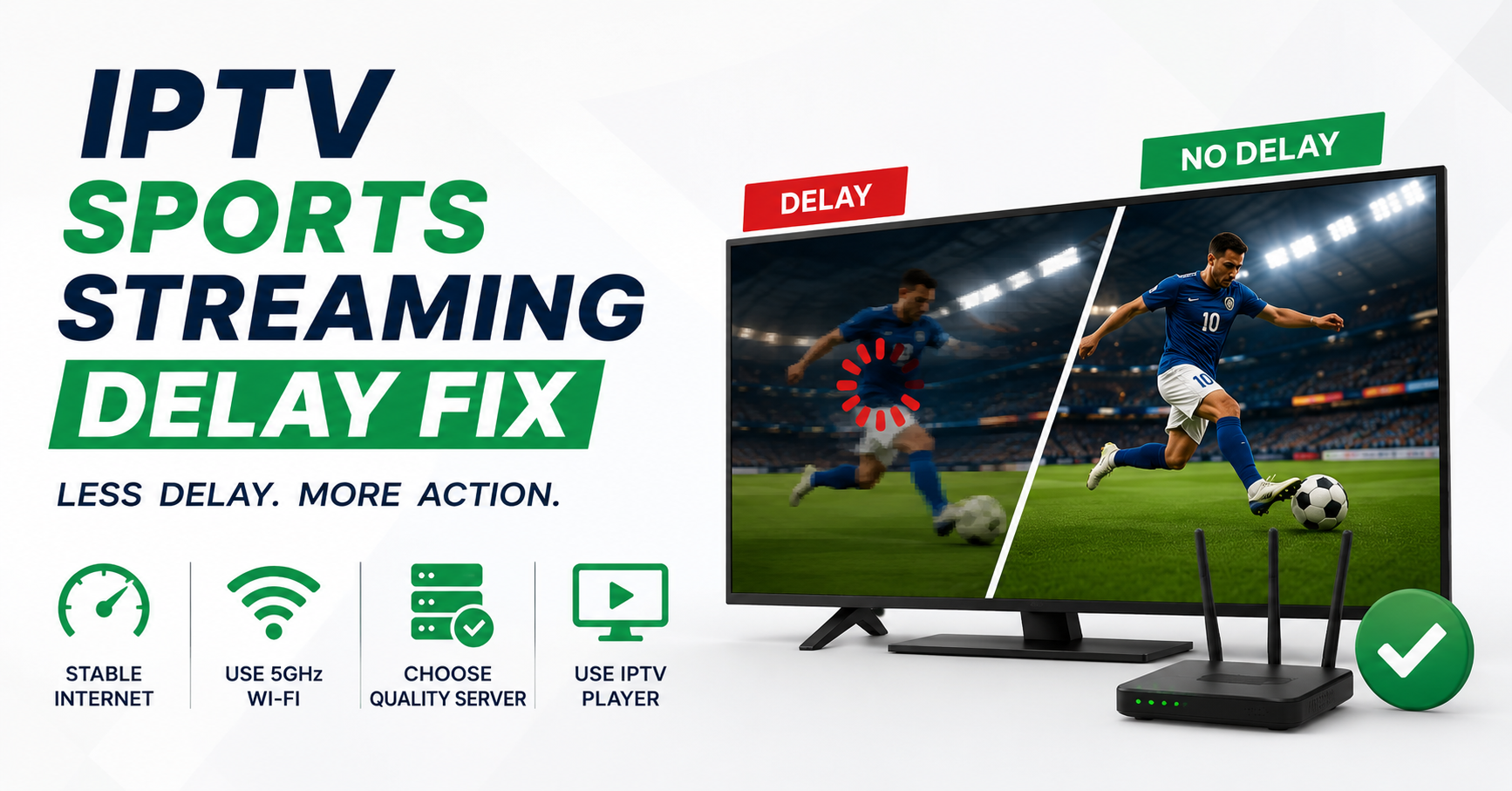

You hear your neighbour shout “GOAL” through the wall a full eight seconds before your screen catches up. That gap, that humiliating, infuriating gap, is the entire reason this page exists.
Let me give you the short version before anything else, because nobody watching a match wants a lecture.
Most IPTV sports streaming delay problems are not caused by the stream itself. They’re caused by buffer settings on your player, an overloaded ISP path during peak kickoff, or a server that’s too far from you geographically. The fastest IPTV sports streaming delay fix is almost always this: drop your player’s buffer to the lowest stable value, switch to a wired connection or 5GHz Wi-Fi, and ask your provider for a closer load-balanced server. Roughly seventy percent of the delay complaints we’ve handled vanished after those three moves alone.
Table of Contents
ToggleNow the part most articles skip, why it happens, and what to do when the easy fix doesn’t hold.
The Delay Isn’t One Problem, It’s a Chain
Here’s something fifteen years in this business taught me the hard way: “delay” is a symptom with at least five different diseases behind it. People lump buffering, lag, freezing, and broadcast latency into one word, then get frustrated when one fix doesn’t solve all of it.
These are genuinely separate things: broadcast latency, the unavoidable gap between the live event and any digital stream (even Sky and ESPN run 5-30 seconds behind real life). Buffer delay, your player deliberately holding video to prevent stutter. Network lag, packets arriving late because of ISP congestion or weak Wi-Fi. Server-side delay, the source feeding the stream slowly or from too far away. Transcoding lag, the stream being re-encoded mid-path, adding seconds.
The IPTV sports streaming delay fix that works depends entirely on which of these you’re actually fighting. Treating server-side delay with a buffer tweak is like taking aspirin for a broken leg.
Pro Tip: Open the same channel on two devices side by side. If both lag identically, the delay is server-side or broadcast-level, nothing on your end will fix it. If only one lags, it’s local. This thirty-second test saves hours of pointless troubleshooting.
Your Buffer Is Probably Lying to You
Most player apps ship with a buffer setting tuned for stability, not speed. That default is why your stream sits comfortably eight seconds behind reality.
During the last Champions League knockout rounds, we watched support tickets spike with the same complaint: “stream works fine but I’m always behind.” Nine times out of ten, the buffer was set too generously.
Here’s the trade-off nobody explains. A low buffer means less delay but more risk of stutter if your connection hiccups. A high buffer means rock-solid playback but a noticeable lag behind live. You’re picking a point on that slider, not eliminating the problem.
| Buffer setting | Delay behind live | Stutter risk | Best for |
|---|---|---|---|
| Minimal (1-2s) | Very low | High on weak connections | Wired, fast fibre |
| Balanced (3-5s) | Moderate | Low | Most home setups |
| Heavy (8-15s) | High | Very low | Unstable or mobile data |
In TiviMate, OTT Navigator, and IPTV Smarters, this lives under playback or decoder settings. Drop it gradually. Find the lowest value where the picture still holds during a busy moment, not during a quiet one.
Why Streams That Work Tuesday Break on Match Night
This is the part that genuinely surprises subscribers. Your setup can run flawlessly all week, then collapse the moment a big fixture starts. That’s not coincidence.
When millions of people hit the same streams simultaneously, two things happen at once. The source infrastructure gets hammered, and ISPs quietly start shaping traffic they recognise as streaming. We’ve measured the same server delivering instantly at 2pm and crawling at 8pm kickoff, identical hardware, completely different behaviour.
In 2026 this got worse, not better. ISPs increasingly use AI-driven traffic fingerprinting to identify and throttle streaming patterns during peak hours, regardless of the actual content. Your packets aren’t blocked, they’re just deprioritised behind everyone else’s.
Pro Tip: If your delay only appears during major sports events, a VPN sometimes reduces lag rather than adding it, not by hiding anything, but by routing your traffic past your ISP’s congestion-shaping point. Test it on one match before assuming it’ll slow you down.
What Separates a Stream That Holds From One That Crumbles
Subscribers rarely see this layer, but it decides everything. The difference between a provider whose streams stay tight during a derby and one that falls apart comes down to infrastructure most people never ask about.
| Fragile setup | Resilient setup |
|---|---|
| Single source server | Multiple load-balanced sources |
| No failover | Automatic failover mid-stream |
| One uplink | Backup uplinks across providers |
| Distant geo-routing | Local server selection per region |
| No live monitoring | Active monitoring during events |
For any IPTV Panel reseller reading this, that table is your entire reputation. Subscribers don’t churn because of price. They churn because the stream died during the one match they cared about all season.
A Word to Resellers: Delay Is a Business Problem
If you run a reseller panel, the IPTV sports streaming delay fix isn’t a tech footnote, it’s the difference between renewals and refunds. After reviewing hundreds of support requests across our reseller network, one pattern was undeniable: complaints cluster violently around big fixtures, then customers quietly leave the following week.
A few hard lessons from the operator side: one reseller we worked with lost nearly a third of his subscriber base in a single season, not from outages, but from consistent match-night delay he never diagnosed. Sub-resellers almost always blame the panel owner first; the panel owner blames the source; the source blames the ISP. Meanwhile the customer is already gone. Credit reseller economics punish churn brutally, replacing a lost subscriber costs far more in panel credits and effort than retaining one.
The IPTV operators who survive enforcement waves and traffic spikes aren’t the cheapest. They’re the ones who invested in redundancy before they needed it.
Pro Tip: Smart panel owners pre-warn subscribers before huge fixtures with a simple “expect heavier load tonight, here’s the backup server” message. That one message converts furious churn-risk customers into loyal ones. Managing expectations is itself a retention strategy.
For UK IPTV resellers building on stable infrastructure, the quality of your upstream source matters more than any setting, it’s worth sourcing from operators who treat reliability seriously, something providers like panelsellers.com build their reputation around.
The Fix Sequence That Actually Works, In Order
Don’t shotgun every fix at once. Work the chain from cheapest to most involved.
Test on a second device to confirm whether the delay is local or upstream. Switch to wired or 5GHz to kill Wi-Fi congestion before touching anything else. Lower your player buffer one notch at a time until you find the floor. Change DNS, since a clean public resolver can bypass ISP routing tricks. Request a closer server from your provider, the nearest load-balanced source. Test a VPN during peak, only if delay is event-specific. Check hardware, since an overheating Firestick or old box transcodes slowly and lags.
If you reach step seven and nothing holds, the problem is upstream and no IPTV sports streaming delay fix on your end will solve it. That’s your provider’s job, and a sign you may have the wrong one.
Devices Lie About Their Limits
A quick warning from years of support tickets. Older streaming sticks struggle with high-bitrate sports feeds and silently add delay through slow decoding. A match at 50fps demands far more than a sitcom at 25fps.
If your delay is worse specifically on fast-motion sport but fine on regular channels, suspect your hardware before your stream. A cheap Firestick that handles Netflix happily can choke on a high-frame-rate football feed.
Frequently Asked Questions
What is the fastest IPTV sports streaming delay fix during a live match?
The quickest IPTV sports streaming delay fix mid-match is lowering your player’s buffer to its minimum stable setting and switching to a wired connection. If the delay persists across devices, it’s server-side or broadcast latency, request a closer server from your provider rather than changing more local settings.
Why is my IPTV stream behind my neighbour’s TV?
All digital streams run behind real-time broadcast by design, usually 5-30 seconds. Cable and satellite are simply closer to the source. Some delay is unavoidable, but excessive lag points to buffer settings, network congestion, or a distant server, all fixable on your end.
Does a VPN make IPTV sports delay better or worse?
It depends. During peak events, a VPN can reduce delay by routing past ISP traffic-shaping. Outside peak hours, it usually adds slight latency. Test it on a single match before deciding, there’s no universal answer, only what your specific ISP is doing that night.
Can resellers do anything about subscriber delay complaints?
Yes, and it’s central to retention. A reseller’s best defence is upstream infrastructure with load balancing and failover, plus proactively warning subscribers before major fixtures. Most churn from an IPTV reseller panel traces back to match-night delay the operator never properly diagnosed.
Why does my IPTV only lag during big sports events?
Peak simultaneous demand overloads source servers while ISPs throttle recognised streaming traffic during high-usage windows. Identical hardware that runs perfectly midweek can crawl at kickoff. This is a capacity and traffic-shaping problem, not a fault in your individual setup.
Will a faster internet plan fix IPTV sports delay?
Rarely, if your current speed already exceeds the stream’s bitrate. Sports streaming needs stable, low-latency delivery more than raw speed. A consistent 50Mbps line often outperforms an unstable 500Mbps one for live sport. Diagnose stability before paying for more bandwidth you don’t need.
What buffer setting should I use for live sports?
Start balanced at around 3-5 seconds, then lower gradually until playback stays stable during busy moments. Wired fibre connections tolerate minimal buffers; mobile or weak Wi-Fi needs more. The right value is the lowest one that doesn’t stutter when the action gets intense.
Is IPTV sports delay always the provider’s fault?
No. Often it’s local, buffer settings, Wi-Fi, DNS, or aging hardware. But if delay persists across multiple devices and survives every local fix, the source is responsible. A good provider invests in redundancy and regional servers; a poor one leaves you to absorb the lag.
Conclusion
The honest truth about any IPTV sports streaming delay fix is that some delay is permanent and some is entirely yours to eliminate. Broadcast latency you can’t beat. Buffer settings, network congestion, DNS routing, and distant servers, those you can. The skill is knowing which is which before you waste an evening troubleshooting the wrong layer.
Work the chain in order, confirm whether the problem is local or upstream, and stop expecting one setting to solve five different problems. And if you’re an IPTV operator, treat match-night delay as the retention threat it actually is, because the IPTV sports streaming delay fix your subscribers really want is a IPTV Reseller Panel provider who built redundancy before the big game, not after the complaints rolled in.
Subscriber Checklist
- Run the two-device test to locate the delay
- Switch to wired or 5GHz before anything else
- Lower player buffer one step at a time
- Change to a clean public DNS
- Request the nearest server from your provider
- Test a VPN only during peak events
- Check hardware temperature on older devices
One last thing worth remembering: the gap between you and your neighbour’s TV is never going fully to zero, but the eight-second embarrassment usually can. Diagnose before you change, fix in order, and judge any provider by how their streams behave on the busiest night of the season, not a quiet Tuesday afternoon.