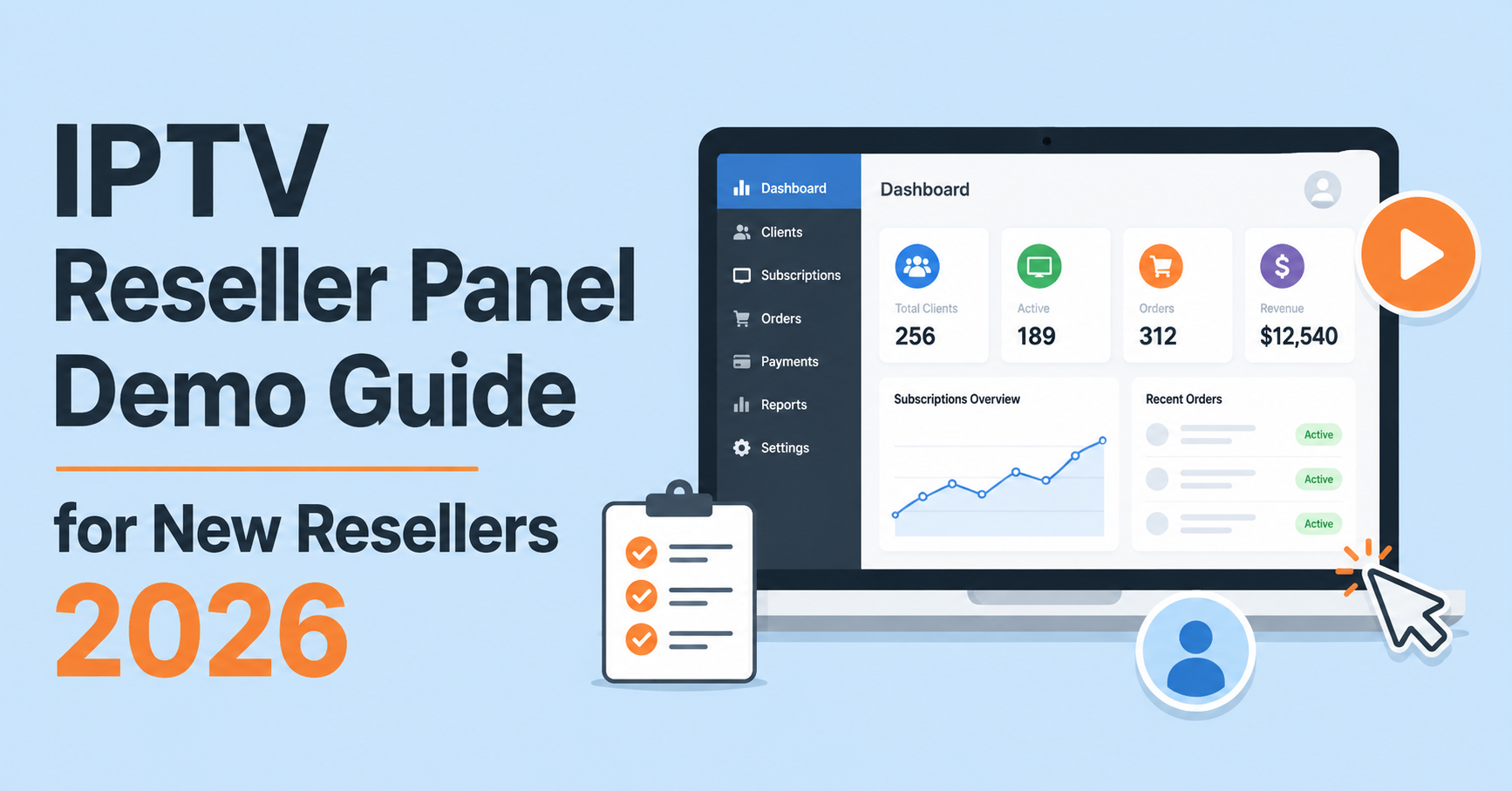

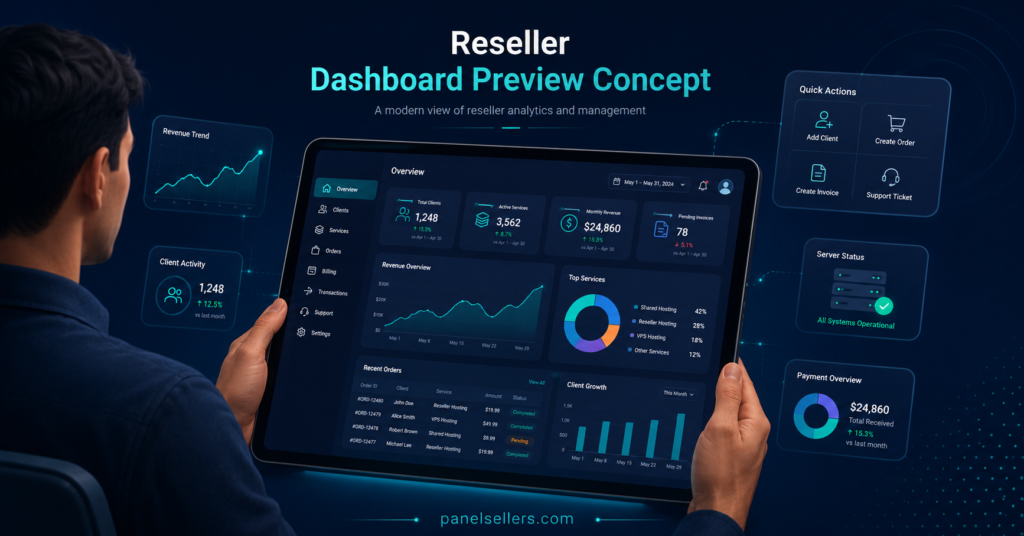
An IPTV Reseller Panel Demo is a limited walkthrough of a reseller dashboard, usually showing credit balances, line creation, and basic account controls before any money changes hands. It exists so a prospective reseller can see how the interface actually behaves rather than relying on screenshots or a sales pitch. Most demos are scaled down versions of the full panel, with restrictions on how many lines you can create, how long access lasts, and which features are switched on. That trade off is worth understanding before you request one, because a demo answers some questions well and leaves others completely untouched.
Why Resellers Ask For a Demo Before Committing
Buying reseller credits without seeing the dashboard first is a bit like signing a lease on a flat you’ve only seen in photographs. The pricing might look fair and the marketing copy might tick every box, but none of that tells you whether the panel is easy to navigate under pressure, whether line creation is quick, or whether the layout makes sense for someone managing dozens of customers at once. A short trial removes that guesswork. It also gives a new reseller a low risk way to judge support response times, since most legitimate providers will answer questions during the demo period rather than after payment.
What an IPTV Reseller Panel Demo Should Show You
A useful demo generally covers four things: the dashboard layout, the process for generating a line, the credit or balance system, and basic account settings such as connection limits and expiry dates. You should be able to log in, look around, and get a feel for how many clicks it takes to complete a routine task like creating or renewing a customer line. Some providers also allow limited sub reseller account creation during the trial, which matters if your business plan involves letting others resell under you.
What a demo rarely shows is how the panel performs at scale. A dashboard that feels smooth with two test lines can behave very differently once a reseller is managing several hundred active customers. That’s a limitation worth remembering rather than a flaw specific to any one provider.
Pro tip: Ask specifically whether the demo account includes sub reseller creation, since many trial accounts disable that feature by default even when the full package includes it.
Questions Worth Asking Before You Request Access
Not every provider structures its trial the same way, so a short conversation before you sign up saves time later. Useful questions include how long the demo lasts, whether it uses real infrastructure or a separate sandbox environment, and whether any lines created during the trial carry over once you upgrade to a paid package. It’s also worth asking what happens to demo data afterwards, since some providers wipe everything at the end of the trial period while others retain it.
Pricing clarity matters here too. A demo that looks generous but comes attached to vague renewal terms or unclear credit costs isn’t actually saving you time, it’s just delaying the point where the real questions get asked.
| What To Check | Why It Matters |
|---|---|
| Trial duration | Short windows may not reveal genuine day to day performance |
| Feature restrictions | Some demos disable sub reseller tools or bulk actions |
| Support responsiveness | Slow replies during a trial rarely improve after payment |
| Data retention policy | Some providers delete demo lines, others migrate them |
| Dashboard permissions | Full access versus a stripped down guest view changes what you can judge |
Common Limitations of a Demo Panel
Even a well built trial has boundaries, and it helps to expect them rather than treat their absence as a red flag. Most demos run on a fixed number of test lines, often somewhere between one and five, which is enough to understand navigation but not enough to simulate a real customer base. Connection stability during a short trial also isn’t a reliable predictor of long term uptime, because infrastructure load varies with total subscriber volume rather than with a handful of test accounts.
Time limits are another common restriction. A 24 or 48 hour window is standard practice across the reseller panel market, largely because unrestricted access invites abuse from people who have no genuine intention of purchasing. None of this means a demo is pointless, it simply means the trial answers usability questions rather than performance guarantees.
Warning Signs During a Demo Walkthrough
A handful of patterns are worth treating with caution. If a provider refuses any form of dashboard preview and insists payment must come first, that’s unusual for a market where trials are common practice. Equally, a dashboard that looks noticeably different from the marketing screenshots, missing menus, broken buttons, or features that simply don’t load, suggests the demo environment hasn’t been maintained properly, which raises questions about how the paid version is maintained.
Vague answers about credit costs or renewal pricing during the trial period are another signal worth noting. A provider confident in its pricing structure will usually explain it clearly the first time you ask, rather than deferring the conversation until after you’ve paid.
Pro tip: Time how long it takes to create a single line during the demo. If it takes more than a minute or two of clicking through unclear menus, that friction will multiply once you’re managing real customers.
Good Signs That Point to a Properly Run Panel
On the other side of that coin, a few things tend to indicate a provider worth taking seriously. Clear documentation alongside the demo, rather than just a login and nothing else, usually means the provider expects resellers to actually understand the system rather than figure it out through trial and error. Consistent support responses during the trial, not just before you’ve paid, are a reasonable indicator of what ongoing support will look like.
A dashboard that matches what was described in advance, with sub reseller options, line management, and credit tracking behaving as promised, is a good sign the provider maintains parity between its marketing and its actual product. Panel Sellers’ reseller dashboard is one example of this kind of setup, where the demo experience is intended to closely reflect what a paid account actually looks like day to day.
Reseller and Sub Reseller Considerations

If you’re planning to operate as a sub reseller under someone else’s panel, the demo conversation shifts slightly. Your permissions will typically be narrower than a full reseller account, so it’s worth confirming during any trial exactly which actions you’ll be allowed to perform once live, particularly around customer ownership and support responsibility. A sub reseller who discovers after payment that they can’t independently manage renewals or handle basic support tickets is in a weaker position than one who checked this during the trial stage.
For those buying credits directly, the more relevant demo questions tend to concern bulk credit pricing and how the panel handles the underlying account structure, which is worth understanding through resources like an IPTV Xtream Codes API explanation if you want a technical grounding before committing to a package size.
Frequently Asked Questions
Is an IPTV Reseller Panel Demo usually free?
Yes, most providers offer trial access without charge, though some limit it to a fixed number of lines or a short time window rather than open ended use.
How long does a typical demo last?
Durations vary, but 24 to 48 hours is common. A handful of providers extend this on request, particularly for resellers planning to purchase larger credit packages.
Can lines created during a demo be used by real customers?
This depends entirely on the provider’s policy. Some treat demo lines as fully disposable test accounts, while others allow them to be converted or extended once you upgrade to a paid package.
Do all reseller panel providers offer a trial?
No. Some skip demos entirely and rely on documentation or screenshots instead, which isn’t necessarily a warning sign but does mean you’ll need to ask more questions upfront.
What should I test first if the demo window is short?
Line creation and the credit balance system, since these are the two features you’ll use most often once you’re managing customers day to day.
Conclusion
An IPTV Reseller Panel Demo is genuinely useful for judging usability, dashboard layout, and how a provider communicates during the trial period, but it was never designed to prove long term performance or guarantee uptime at scale. Treat it as one part of a wider evaluation rather than the final word. Ask direct questions about duration, data retention, and pricing before you request access, watch how quickly support responds, and pay attention to whether the paid version is described consistently with what the trial actually shows. A short, well run demo tells you enough to make a sensible decision, provided you know what it can and can’t reveal.
Reseller Panel Demo Evaluation Checklist
- Confirm the exact trial duration before requesting access
- Ask whether demo lines carry over after upgrading to a paid package
- Test line creation speed and dashboard navigation directly
- Check whether sub reseller tools are included or disabled in the trial
- Note how quickly support responds to questions during the demo
- Compare the trial dashboard against marketing screenshots for consistency
- Get written clarity on credit pricing before the trial period ends