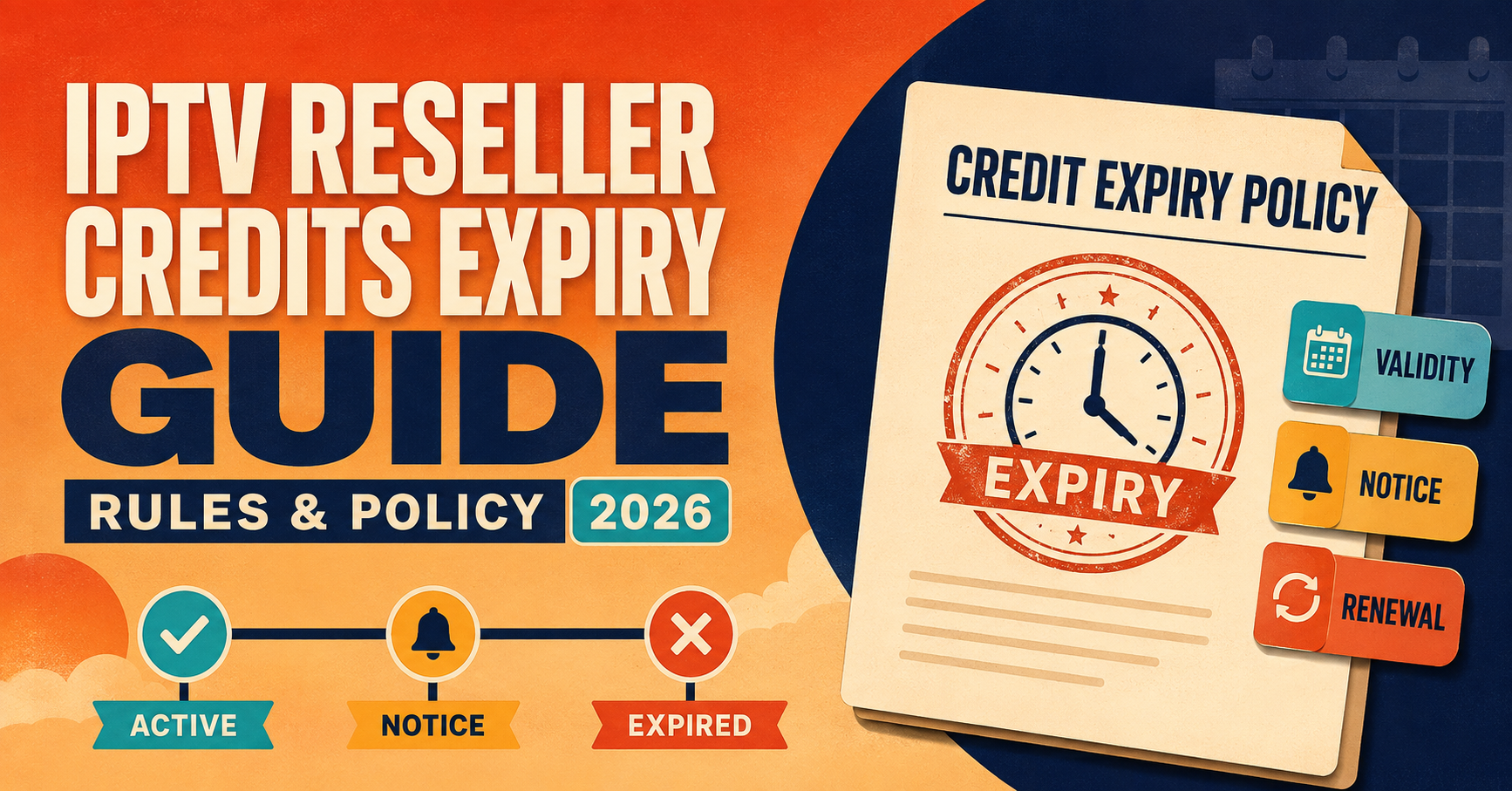

IPTV Reseller Credits Expiry usually means unused credits sitting in your panel lose their value after a set period, and that period is set by the provider, not by any universal industry standard. Some panels give you 90 days, others a full year, and a few never expire credits at all as long as the account stays active.
Why credits expire in the first place
A reseller credit isn’t really a currency in the way people sometimes assume. It’s closer to a licence token, a unit the panel provider issues you that gets converted into a subscription line the moment you activate it for a customer. Providers set expiry windows on unused credits partly to manage server capacity forecasting and partly to discourage resellers from hoarding large balances that never convert into active lines. From the provider’s side, a credit sitting unused for a year is a customer who never got connected, and that’s not a relationship they want to carry indefinitely.
This is different from line expiry, which is the date a customer’s actual IPTV subscription runs out. Credit expiry happens before that stage, while the credit is still sitting in your dashboard unused. Mixing the two up is one of the most common sources of confusion among newer resellers, and it’s worth being clear on the distinction before anything else, because the fixes for each problem are completely different.
How the expiry clock typically starts
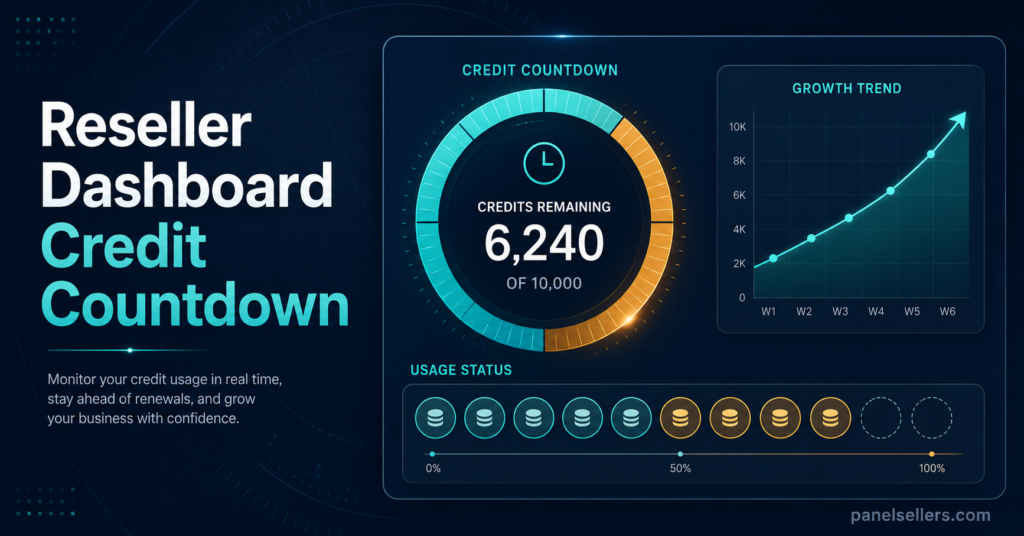
Most panels start the countdown from the moment credits are added to your account, not from when you purchase them, though in practice these two events usually happen close together. A smaller number of providers instead measure from your last login or your last credit-consuming action, which effectively rewards resellers who stay active on the dashboard. Neither approach is wrong, but they produce very different outcomes if you buy in bulk and then step away from the business for a few months.
Reseller Checklist for Protecting Credit Balances
- Confirm the exact expiry period in writing before buying credits in bulk, not just verbally through a sales chat
- Check whether the countdown starts from purchase date or from last account activity
- Log into the dashboard at least monthly even during quiet periods, if the provider rewards activity
- Keep a simple spreadsheet or note of purchase dates alongside quantities bought
- Avoid buying far more credits than you can realistically convert into lines within the expiry window
- Ask what happens to a partially used bulk order if some credits expire before others
Common mistakes that trigger unexpected expiry
Buying credits well ahead of demand is the single biggest cause of unwanted expiry. It feels efficient to stock up during a sale or a bulk discount, but if the panel enforces a strict window and your customer pipeline is slower than expected, a portion of that discount can quietly evaporate. UK IPTV Resellers running seasonal promotions, sports-heavy periods, or back-to-school pushes are particularly prone to this, because the buying decision gets made around anticipated demand rather than confirmed orders.
Another frequent trigger is account dormancy. If your provider counts inactivity toward expiry and you take an extended break, whether for personal reasons or because a source of customer referrals has dried up, credits can lapse even though you never intended to abandon the business. Panels rarely send more than one or two reminder notifications, and those can end up in a spam folder or simply get missed during a busy stretch.
A less obvious cause is switching panel providers mid-cycle. Credits are almost never transferable between separate reseller platforms, so a balance left behind on a provider you’re migrating away from will expire on schedule regardless of your reasons for leaving.
Pro tip: If you’re unsure how a provider counts the expiry window, ask them to state it in writing rather than relying on a verbal answer during a sales conversation. Written confirmation is what you’ll actually need if a dispute comes up later.
What resellers can realistically do once credits have already lapsed
Once a credit has genuinely expired, most providers treat it as gone rather than something that can be reinstated, though policies do vary and it’s worth asking rather than assuming. Some providers will make a one-off goodwill exception for a long-standing customer, particularly if the lapse was caused by a platform issue on their end rather than reseller inactivity. Others operate a strict no-exceptions policy that’s stated clearly in their terms. Either way, the conversation is worth having before writing the balance off, since the downside of asking is essentially zero.
Pro tip: Keep screenshots or order confirmations of your credit purchases. If a provider does agree to reinstate lapsed credits, having a clear paper trail speeds up the process considerably.
Sub-reseller considerations
If you’re operating as a sub-reseller under a parent account, credit expiry terms are usually set by whoever manages the parent panel rather than the underlying provider directly. This means the expiry window your customers see can differ from the provider’s default policy, and it’s your responsibility to understand exactly what your parent reseller has agreed to before passing that same guarantee on to your own customers. A mismatch here, where you promise a longer window than your parent panel actually honours, is a common and entirely avoidable source of customer disputes.
How this connects to reseller pricing decisions
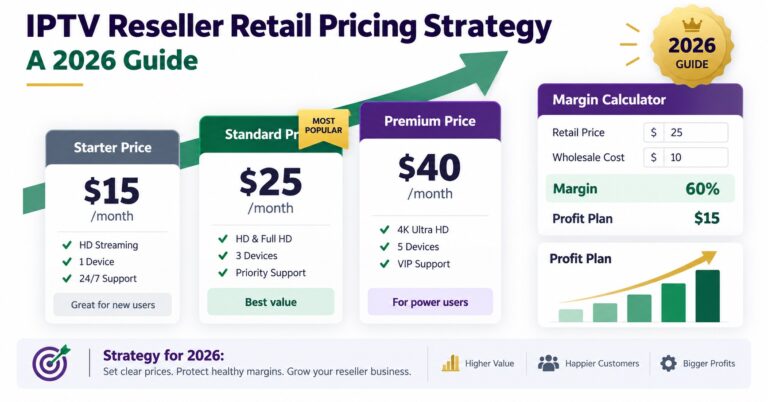
Expiry policy should factor directly into how you plan bulk purchases. A provider offering a steep discount on a large credit bundle isn’t necessarily better value if the expiry window is tight and your realistic conversion rate can’t keep pace. It’s worth working through the IPTV reseller credits pricing guide alongside any bulk offer to check whether the discount actually holds up once expiry risk is factored in.

Frequently Asked Questions
Do all IPTV reseller panels expire unused credits?
No. Policy varies significantly between providers, and a small number don’t enforce expiry at all as long as the account remains active. Always check the specific terms rather than assuming a standard applies.
Does credit expiry affect customers who already have active subscriptions?
No. Credit expiry only applies to unused credits sitting in your reseller balance. Once a credit has been converted into a customer subscription, that line runs on its own separate expiry date tied to the subscription period.
Can expired credits ever be restored?
Sometimes, at the provider’s discretion, particularly if the lapse resulted from a technical fault rather than reseller inactivity. It’s not guaranteed, so it’s best treated as an exception rather than something to rely on.
Is it better to buy credits in smaller, more frequent batches?
For most resellers still building a steady customer base, smaller and more frequent purchases reduce exposure to expiry risk, even if the per-credit price is slightly higher than a large bulk order.
Where can I check how a specific panel structures its credits and dashboard?
The how it works page walks through how credits, lines, and the reseller dashboard function together, which is worth reading before committing to a bulk purchase.
Conclusion
IPTV Reseller Panel Credits Expiry comes down to a straightforward principle: unused credits are on a clock set by your provider, not by you, and that clock starts ticking from purchase or from account inactivity depending on the platform. The practical fix isn’t complicated. Confirm the exact terms in writing, buy closer to actual demand rather than anticipated demand, and stay active on your dashboard even during slower periods. Resellers who treat expiry policy as part of their purchasing decision, rather than fine print to check later, tend to avoid losing money on balances that quietly lapse.
Quick Decision Checklist
- Have you confirmed the exact credit expiry period with your current provider
- Do you know whether the countdown starts from purchase or from account inactivity
- Is your bulk purchase size matched to realistic customer demand over the expiry window
- Have you checked your parent panel’s expiry terms if you operate as a sub-reseller
- Do you have written confirmation or a screenshot of your purchase terms saved