
An IPTV Reseller Panel Multi Connection line is a subscription line configured to allow more than one device to stream from the same account at the same time, rather than a separate line for every screen a customer owns. It sounds like a small technical setting, but it changes how you price a customer, how much support load you take on, and how exposed you are if that customer starts handing the login to friends and family.
Why customers ask for more than one connection at once
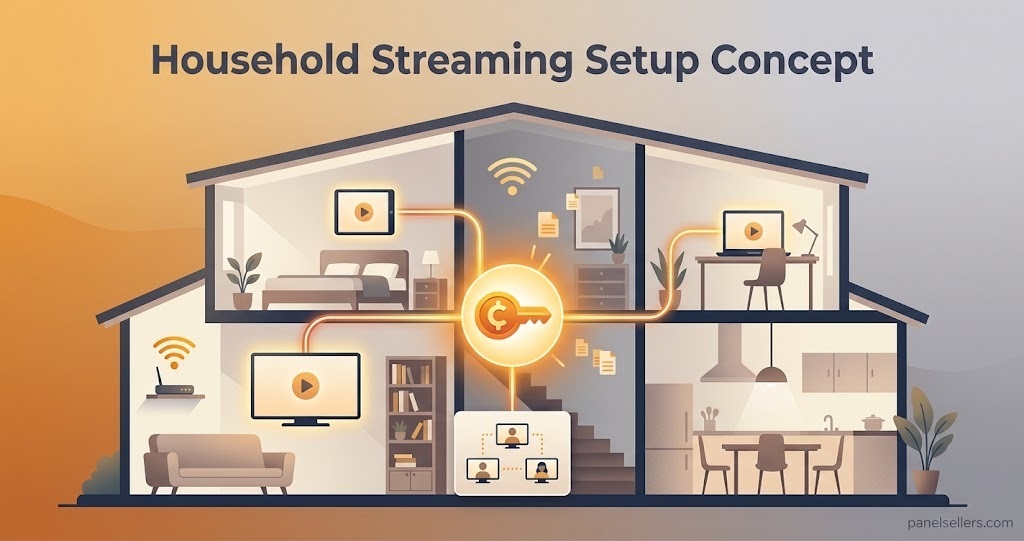
Most requests for a multi-connection line come from households, not individuals. A customer buying a single line for a phone, a smart TV in the lounge and a tablet in the kids’ room isn’t trying to get something for nothing, they simply live in a house with more than one screen. Some customers genuinely do want to share access more widely than that, and the difference between the two situations matters more than the connection count itself.
A single-connection line forces every extra device to either wait its turn or get its own subscription. That’s fine for some customers and a constant irritation for others. Multi-connection lines exist because reseller panels recognise this is a normal pattern of household streaming, not an edge case.
How IPTV Reseller Panel Multi Connection lines work
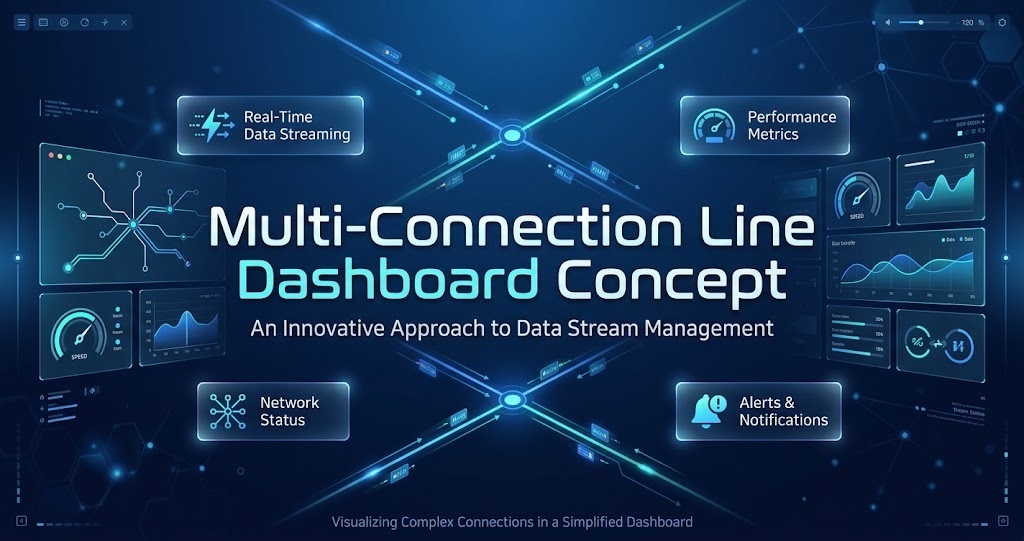
On most Xtream Codes style dashboards, the connection limit sits as a field on the line itself, separate from the expiry date and the package tier. When you create or edit a line, you set a maximum number of simultaneous streams the login can support, commonly two, three or five. The panel enforces that number at the server level: once the limit is reached, the next device attempting to connect is refused or the oldest active stream is dropped, depending on how the panel is configured.
This is a technical control, not a pricing label. Two providers can both sell a “3 connection” line and mean slightly different things by it, so it’s worth confirming with your own panel’s feature set exactly how the limit is enforced before you advertise it to customers as a fixed guarantee.
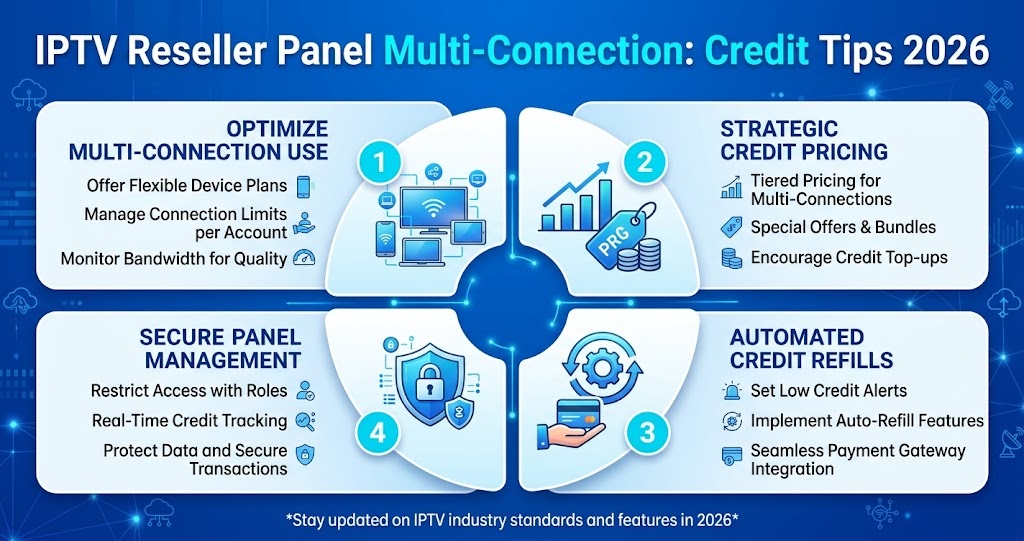
Bandwidth and server load aren’t multiplied automatically just because a line has a higher connection cap. What changes is how many concurrent streams that one account can pull from the server pool at once, which is why panels usually price multi-connection lines differently rather than treating them as a free extra.
Pro tip: Test a multi-connection line yourself on two different device types before selling it, since some IPTV apps handle the “stream limit reached” message more gracefully than others, and you’ll want to know what a customer actually sees if they go over.
What it actually costs you in credits
Multi-connection lines usually consume more than one credit, though the exact ratio depends on your provider’s pricing structure rather than any universal standard.
| Connection count | Typical credit impact | Practical note |
|---|---|---|
| 1 connection | Standard single credit cost | Baseline line for one device |
| 2 to 3 connections | Often 1.5x to 2x the standard cost | Common household request |
| 4 or more connections | Usually priced per connection or as a separate tier | Worth confirming before quoting a price |
Don’t assume the ratio your last provider used will match your current one. Check the actual credit package pricing before you build a multi-connection option into your own customer-facing rates, because guessing here is the fastest way to sell a product at a loss.
Setting up a multi-connection line without breaking things
Getting the connection count right at the point of creation avoids most of the support tickets that come later.
Start by confirming with the customer how many devices will realistically be active at the same time, not how many devices they own. A household with four smart TVs might only ever watch two of them simultaneously, which changes what you should actually sell them.
Set the connection limit when you create the line rather than editing it afterwards under pressure from a customer complaint. Editing an active line is usually possible, but it’s a cleaner process to get the number right from the start, particularly if your panel setup guide treats connection limit as a field you can only adjust before the line goes live in some configurations.
Tell the customer plainly what the limit means in practice. A vague promise of “multi-connection” leads to disputes later. A specific number, explained clearly, does not.
Signs a multi-connection request is actually account sharing
Not every request for extra connections is a household asking for a reasonable setup. Some are an attempt to spread one subscription across unrelated users, which creates a different kind of risk for you as the IPTV Panel reseller.
Watch for customers who ask for connection counts that don’t match any plausible single household, particularly requests for very high numbers on what’s presented as a personal account. Watch also for repeated support tickets about the connection limit being hit at unusual times, which can indicate the login is circulating more widely than the customer originally described.
None of this means you should refuse every multi-connection request out of suspicion. Most are exactly what they appear to be. It simply means the connection count is worth treating as a genuine account control, not just a sales feature you switch on to close a deal.
Sub-reseller considerations
If you operate through a sub-reseller structure, check whether your permission tier lets you set connection limits independently or whether that setting is locked to whatever the parent account has configured. Some sub-reseller access arrangements restrict this kind of line-level control, which matters if multi-connection sales are a meaningful part of how you plan to price your own customers.
Pro tip: Ask your parent reseller directly whether connection limits are configurable per line or fixed per package tier before you promise a customer a specific number.
Frequently asked questions
Does a multi-connection line use more bandwidth per stream?
No. Each individual stream uses roughly the same bandwidth whether the line is single or multi-connection. What changes is how many of those streams the account is allowed to run at once, not the quality or size of any one stream.
Can I change the connection limit on a line that’s already active?
Usually yes, though the exact process depends on your panel. Some dashboards let you edit the limit instantly, others require the line to be recreated. Confirm this with your provider before promising a customer an instant upgrade.
Is there a maximum connection limit panels will allow?
Most panels cap connection limits somewhere between five and ten per line, largely to prevent a single login being used as an informal sharing account rather than a household subscription.
Should I price multi-connection lines the same as single lines?
No. Because they consume more credits and carry more server load, pricing them the same as a single-connection line usually erodes your margin without you noticing until credit usage adds up.
Do all IPTV apps handle connection limits the same way?
Not exactly. Most enforce the limit at the server side consistently, but how the app itself displays a “limit reached” message to the user varies between apps, which affects how much confusion a customer experiences if they exceed it.
Conclusion
IPTV Reseller Panel Multi Connection settings are a genuinely useful way to serve household customers properly, but only if you treat the connection count as a real operational decision rather than a marketing add-on. Confirm how your specific panel enforces the limit, price it against actual credit consumption rather than guesswork, and keep an eye on accounts where the requested connection count doesn’t match a plausible household. Get those three things right and multi-connection lines become a straightforward, profitable part of your product range rather than a source of recurring support tickets.
Multi-Connection Setup Checklist
- Confirm how many devices will realistically stream at the same time, not how many the customer owns
- Check the exact credit cost your provider applies to multi-connection lines before quoting a price
- Set the connection limit at line creation rather than adjusting it later under pressure
- Explain the specific connection number to the customer in plain terms
- Watch for connection counts that don’t match a plausible single household
- Confirm whether your permission tier allows independent control of connection limits if you operate as a sub-reseller