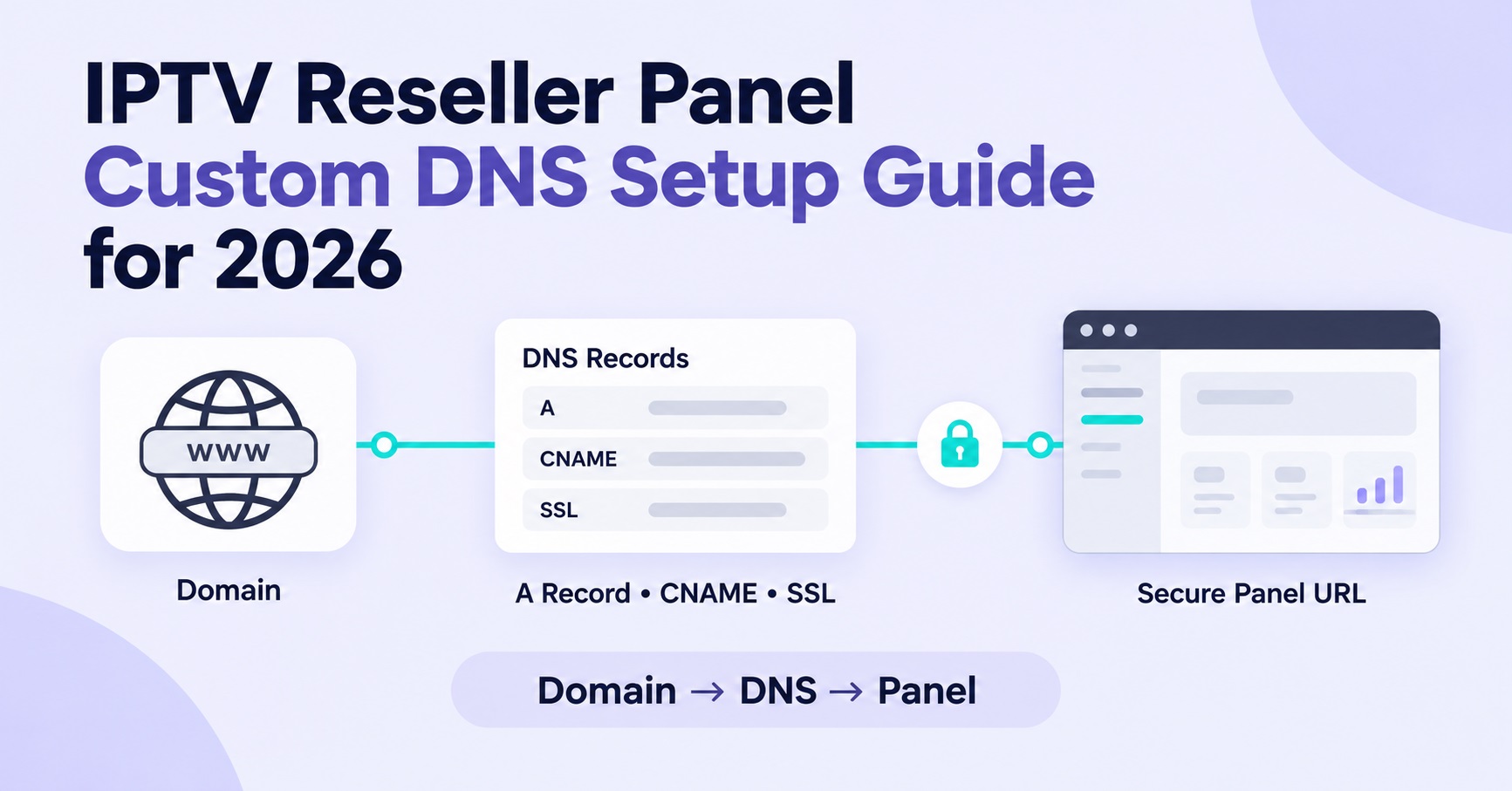

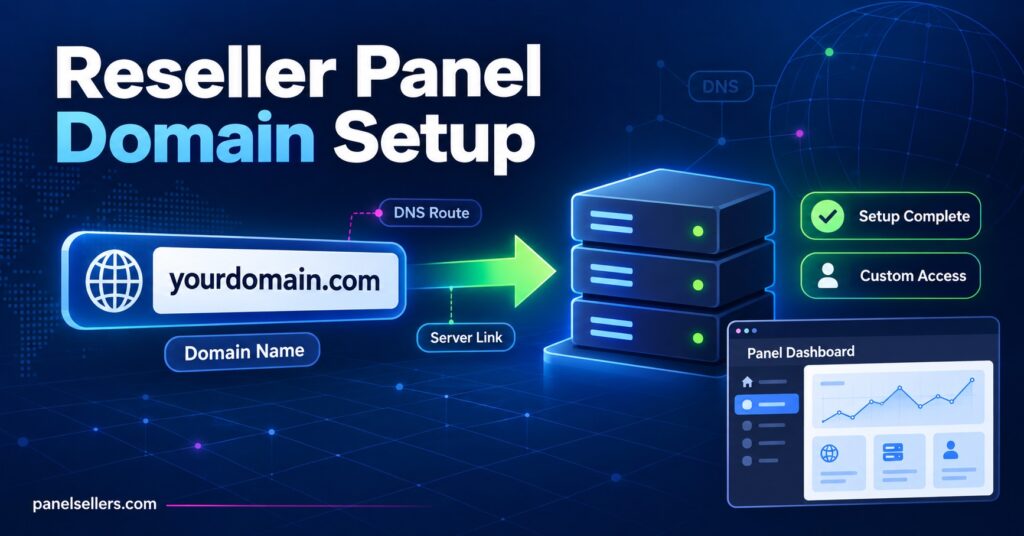
An IPTV Reseller Panel Custom DNS is simply your own domain pointed at your provider’s server IP, so customers connect through a branded address instead of a raw number-and-port string. It replaces something like 185.203.x.x:8080 with panel.yourbrand.com:8080, and while that sounds cosmetic, it changes how professional your service looks and how easily you can move providers later without every customer’s app breaking.
What Custom DNS Actually Changes on Your Panel
Nothing about the underlying stream changes when you add a custom DNS record. The video still travels from the same server, over the same connection, through the same core infrastructure your provider runs. What changes is the address your customers type into TiviMate, IPTV Smarters, or an MAG box portal field. Instead of memorising or copying a bare IP address, they use a domain name that looks like it belongs to your business.
This matters more than it first appears. A raw IP address tells a customer nothing and looks temporary, almost like something they shouldn’t trust with a recurring payment. A named domain, even a simple one, signals that there’s an actual operation behind the login screen. For anyone running IPTV reseller panel infrastructure at even a modest scale, that difference shows up in how customers perceive renewal reminders, support replies, and the service generally.
There’s a second, more practical reason experienced resellers set this up early: portability. If your domain points to the server IP via a DNS record rather than customers memorising the IP itself, you can update that one record and redirect every existing customer to a new server without touching their apps. Anyone still using the bare IP loses that option entirely.
Why Resellers Bother With This at All
Not every reseller sets up a custom domain from day one, and for someone testing the business with a handful of lines, it’s a reasonable thing to postpone. The calculation changes once you’re managing dozens of active customers or bringing sub-resellers on board underneath you.
A few concrete reasons keep coming up:
- Rebranding away from a generic provider look, especially if you’re marketing under your own business name
- Protecting against server changes, since a domain redirect is invisible to the customer while an IP change is not
- Giving sub-resellers something professional to hand to their own customers
- Reducing support confusion, because a memorable domain gets typed correctly far more often than a long numeric string
Pro tip: Register the domain somewhere separate from your panel provider’s own domain IPTV Panel reseller service if you can. Owning the registration yourself means you keep full control of it even if you ever switch panel providers entirely.
Setting Up IPTV Reseller Panel Custom DNS Step by Step
Most panels, regardless of the underlying software, handle this the same general way.
- Buy a domain or sub-domain through any registrar. It doesn’t need to be elaborate; a short, memorable name works better than something clever.
- Ask your provider for the core server IP address that your panel currently authenticates against. This is not always the same as the address shown in your dashboard, so confirm it directly rather than assuming.
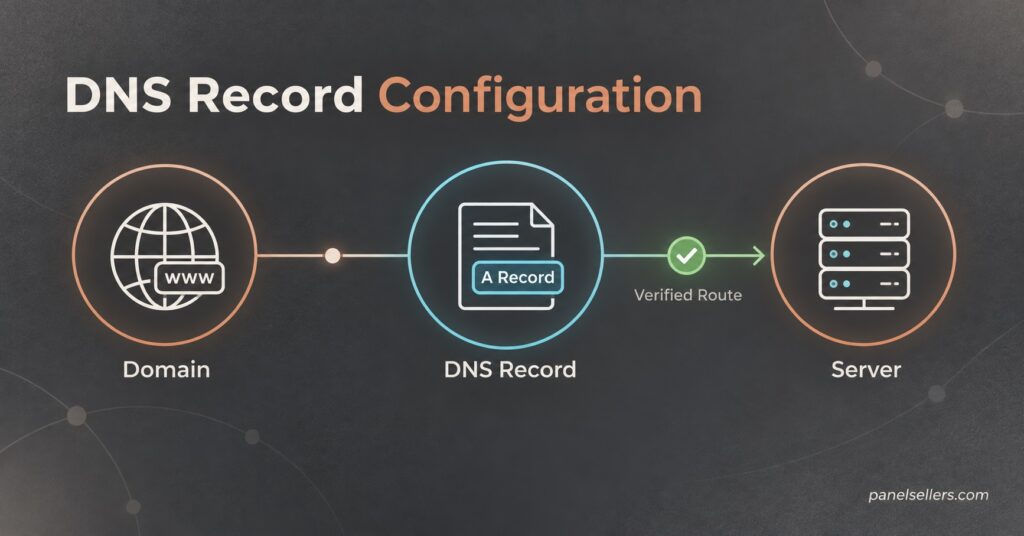
- Create an A record in your domain’s DNS settings pointing that domain (or sub-domain) at the provided IP.
- Wait for propagation. This can be near instant or take a few hours depending on your registrar and DNS provider, so don’t assume a failure if it doesn’t resolve in the first ten minutes.
- Test the new domain in a streaming app before sending it to any customer, ideally on more than one device type.
- Update onboarding messages, renewal templates, and any documentation so new customers only ever see the branded domain, never the raw IP.
If you’re running your business through Panel Sellers’ how it works walkthrough, the general sequence matches this closely, since most Xtream Codes style panels expect the same DNS-to-IP relationship underneath.
Sub-Reseller DNS Is a Slightly Different Conversation
If you run sub-resellers under your account, each of them can typically request their own custom domain pointed at your core server, exactly the same way you did with your provider. This is worth setting up deliberately rather than leaving to chance, because a sub-reseller operating off a raw IP looks less credible to their own customers, which reflects on the wider network you’re running.
The mechanics are identical to your own setup: they register a domain, you or your provider gives them the correct IP, they create the A record, and it resolves within a similar window. The one thing worth clarifying upfront is who is responsible for troubleshooting if it doesn’t resolve correctly, since a sub-reseller with no DNS experience can easily point the record at the wrong value. Anyone weighing up how that layer of the business fits together generally benefits from reading through how sub-reseller panels are structured before adding several sub-resellers at once.
When Custom DNS Goes Wrong
Most problems with custom DNS setups fall into a small number of categories, and diagnosing them is usually faster than resellers expect.
| Symptom | Likely cause | What to check |
|---|---|---|
| Domain never resolves | A record missing or pointed at wrong IP | Recheck the exact IP given by your provider |
| Works on some devices, not others | Local device DNS cache holding old data | Restart the app or device, clear app cache |
| Domain resolved, then stopped working | Server IP changed without record update | Confirm current IP with provider, update A record |
| Sub-reseller’s domain fails | Sub-reseller entered IP incorrectly | Walk through the record with them directly |
| Intermittent buffering after setup | Unrelated to DNS, likely server load | Test with raw IP to isolate the actual cause |
That last row trips up more resellers than it should. A custom DNS change and a genuine streaming performance issue happening around the same time get blamed on each other constantly, when they’re almost always unconnected. If buffering starts after a DNS change, testing the connection on the raw IP briefly will tell you within minutes whether the domain itself is the problem or something else entirely.
Pro tip: Keep a note of your provider’s core IP address somewhere outside the panel itself. If your dashboard ever becomes inaccessible, you’ll still be able to verify or rebuild the DNS record without waiting on support.
A Few Things Custom DNS Won’t Fix
It’s worth being direct about the limits here. A custom domain doesn’t improve stream quality, doesn’t reduce buffering caused by server capacity, and doesn’t make an unstable provider more reliable. Resellers occasionally treat a rebrand as a fix for underlying service problems, and it isn’t one. If the core issue is server load or an unreliable upstream source, a nicer-looking domain just delivers the same problem under a better name.
It’s also not a substitute for understanding your actual costs. Custom DNS is a presentation layer sitting on top of whatever credit or billing model your provider uses, whether that’s a straightforward no monthly fee credit system or something else entirely. Get that part right first; the domain is a finishing touch, not a foundation.
Reseller Checklist Before Going Live With Custom DNS
- Confirm the exact server IP directly with your provider, not from memory
- Create the A record and allow time for propagation before testing
- Test on at least two device types, including one MAG or STBEmu box if you support them
- Update every customer-facing template to reference the domain, not the IP
- Keep a written record of the IP outside the panel dashboard
- Brief any sub-resellers on the same process before they attempt it themselves
Frequently Asked Questions
Does custom DNS cost extra on most panels?
Some providers include it as standard, others treat it as an add-on tied to certain credit packages. It’s worth asking directly rather than assuming either way.
Can I use a sub-domain instead of a full domain?
Yes, and many resellers prefer this, since it means the panel address (like panel.yourbrand.com) sits under a domain already used for the main business.
What happens to existing customers during the DNS switch?
Nothing changes for anyone still using the old IP directly, since it typically stays active alongside the new domain. Customers only need updating if you want them fully migrated to the branded address.
Do I need technical skills to set this up myself?
Basic DNS setup is largely copy and paste once you have the correct IP. The steps are more about accuracy than technical difficulty.
Will changing my domain later cause problems?
Only for customers still using the old domain directly. Updating the A record on the same domain to point at a new IP is seamless; switching to an entirely different domain requires re-informing customers.
Setting Up IPTV Reseller Panel Custom DNS Is Worth the Ten Minutes
An IPTV Reseller Panel Custom DNS setup takes a small amount of time and pays back through a more credible-looking service, easier provider migrations if you ever need one, and a smoother experience for any sub-resellers underneath you. It won’t fix a genuinely unstable panel, and it isn’t a substitute for understanding your credit pricing and provider reliability first, but once those fundamentals are in place, pointing a proper domain at your server is one of the simplest upgrades available to a reseller. Confirm your provider’s correct IP, set the A record carefully, test before rolling it out to customers, and keep that IP noted somewhere safe in case you ever need to rebuild the setup from scratch.