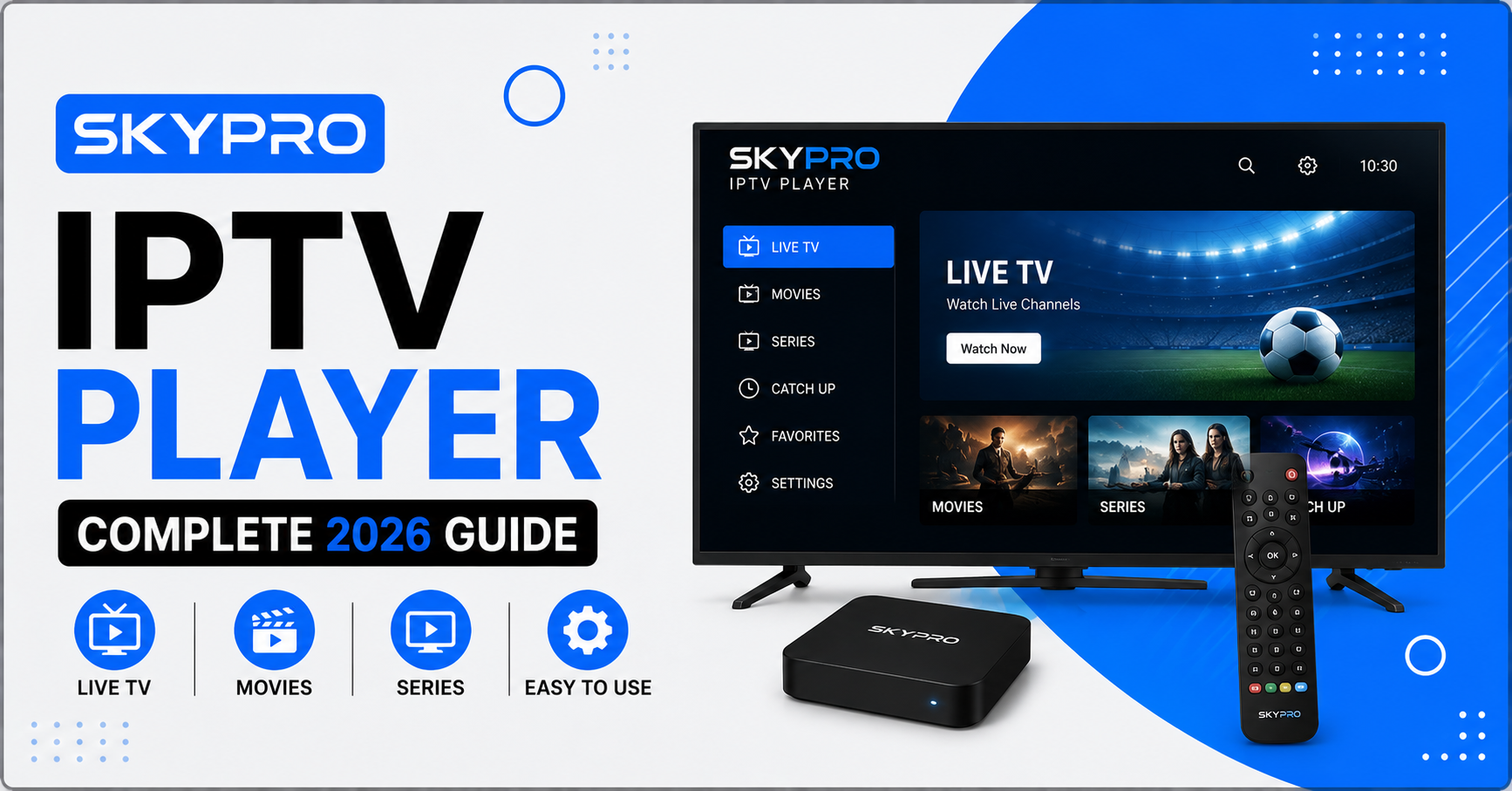

The Skypro IPTV Player is a media player application built to stream IPTV content by loading playlists, EPG data, and Xtream Codes API connections through a simple, structured interface designed for both new and experienced users.
What Is the Skypro IPTV Player
The Skypro IPTV Player is not a content provider itself. It is a front end app, meaning it displays and organizes channels, movies, and shows that come from a separate subscription or panel. Think of it like a remote control with a screen attached. It does not create the content, it just presents it in a clean, browsable format with categories, favorites, and an on screen guide.
This distinction matters because a lot of confusion around IPTV players comes from assuming the app itself is the source of channels. In reality, the Skypro IPTV Player pulls its listings from whatever service you connect it to, usually through an M3U playlist link or an Xtream Codes login provided by your subscription seller.
How Does the Skypro IPTV Player Work
Once installed, the Skypro IPTV Player asks for connection details rather than shipping with any channels built in. You typically enter either a playlist URL or a username, password, and server address supplied by your IPTV provider. The app then fetches the channel list, organizes it into categories like sports, movies, kids, and international channels, and builds an electronic program guide if the provider supports it.
From there, the interface works much like a traditional set top box menu. You scroll through categories, mark favorites, and the player buffers and streams whatever you select. Playback quality depends almost entirely on your internet connection and the server capacity of your IPTV provider, not on the Skypro IPTV Player itself.
Key Features of the Skypro IPTV Player
Most versions of the Skypro IPTV Player include a similar core feature set, though exact options can vary slightly between builds and platforms.
- Support for M3U playlists and Xtream Codes API logins
- Electronic program guide with show timings, where the provider supplies EPG data
- Category sorting for live channels, movies, and series
- Favorites and recently watched lists
- Multi screen or picture in picture viewing on some builds
- Parental lock options for restricted categories
Pro Tip: Always confirm which connection method your provider uses, either M3U or Xtream Codes, before downloading the Skypro IPTV Player, since entering the wrong format is the most common reason first time setups fail.
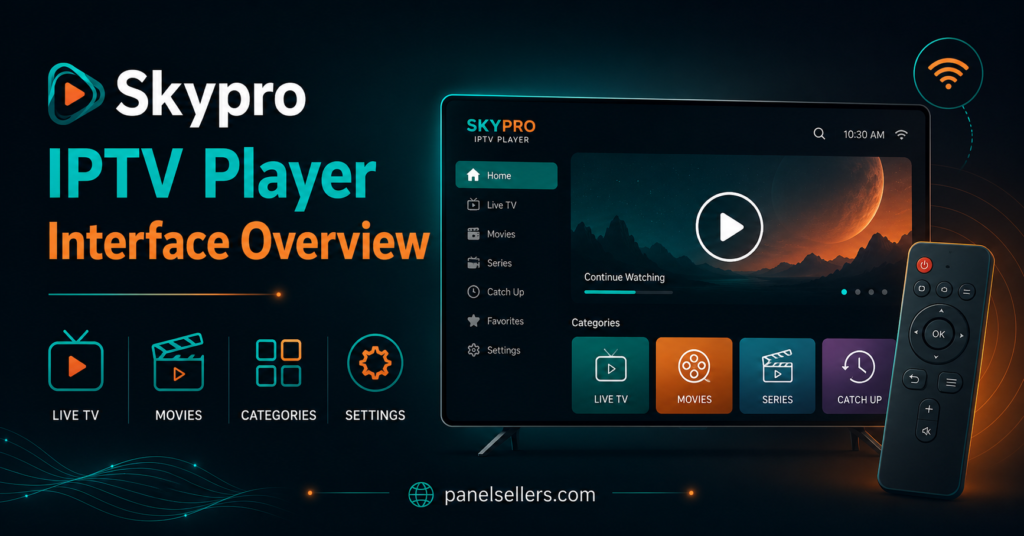
Skypro IPTV Player Device Compatibility
The Skypro IPTV Player is generally available across a range of devices, though availability can shift depending on app store policies in different regions.
[table]
Setting Up the Skypro IPTV Player
Setup follows a fairly consistent pattern across devices. First, download the app from your device’s official store or, on Android boxes and Firestick, through a sideloading method if it is not listed publicly. Second, open the app and select your connection type, either M3U URL or Xtream Codes login. Third, enter the exact details your provider gave you, since even a small typo in the server address will stop channels from loading.
After entering credentials, give the app a minute to sync the full channel list and program guide. Large channel lists with thousands of entries can take longer to populate on first launch. Once loaded, most users organize a short list of favorites so they are not scrolling through hundreds of channels every time they want to watch something.
If the Skypro IPTV Player fails to load channels on the first attempt, double check for typos in the login details before assuming the service itself is down.
Skypro IPTV Player Compared to Other IPTV Players
There is no shortage of IPTV player apps, and it helps to see how the Skypro IPTV Player stacks up against a few common alternatives on general usability grounds.
[table]
None of these comparisons suggest one app is universally better. The right choice usually comes down to which device you are using and what your provider recommends for compatibility.
Is the Skypro IPTV Player Legal to Use
This is worth being honest about rather than glossing over. The Skypro IPTV Player itself, as a piece of software that plays a playlist you point it to, is not inherently illegal any more than a web browser is illegal. The legal question actually sits with the content source, meaning whether the channels and streams loaded into the player come from a properly licensed provider.
A legitimate IPTV reseller panel typically sources its content through licensed distribution agreements, and subscribers using a compliant service through the Skypro IPTV Player are simply using a media player, similar to how someone might use a licensed player for a legal streaming service. Problems arise specifically when the underlying content itself is unlicensed, not because of which player app displays it. If you are unsure about a provider’s legitimacy, that is a conversation to have with the provider directly rather than something the player app can answer for you.
Common Issues With the Skypro IPTV Player and How to Fix Them
A handful of problems come up repeatedly with the Skypro IPTV Player, and most have straightforward fixes.
Buffering during peak hours is usually a server load issue on the provider side rather than a fault in the Skypro IPTV Player, so check with your provider before assuming the app is broken. Channels showing as offline often trace back to an expired subscription rather than an app fault. A blank or frozen EPG usually means the provider has not sent guide data for that period, which the player cannot generate on its own.
If the app crashes on launch, clearing its cache or reinstalling it usually resolves the issue faster than searching for a workaround, since most crash reports are tied to a corrupted local cache file rather than a deeper app problem.
Skypro IPTV Player for IPTV Resellers
For resellers, the choice of player app matters because it shapes the support tickets you will field from customers. If a provider or panel recommends the Skypro IPTV Player to its subscribers, resellers benefit from understanding its setup screens well enough to walk a confused customer through it over chat or a quick call.
Providers like gbreseller.co.uk are one example among many UK based sellers who publish setup guidance for common player apps as part of onboarding new subscribers, which reduces first week support requests significantly. A buy IPTV credits UK package from a panel provider paired with clear player instructions tends to convert better and generate fewer refund requests than a bare credentials email with no guidance attached.
Sub-resellers inherit this same responsibility one layer down, since their own customers will come to them first with player questions rather than going back up to the main panel.
Pro Tip: Keep a short, plain language setup guide for the Skypro IPTV Player ready to send customers immediately after purchase. It cuts first day support tickets dramatically.
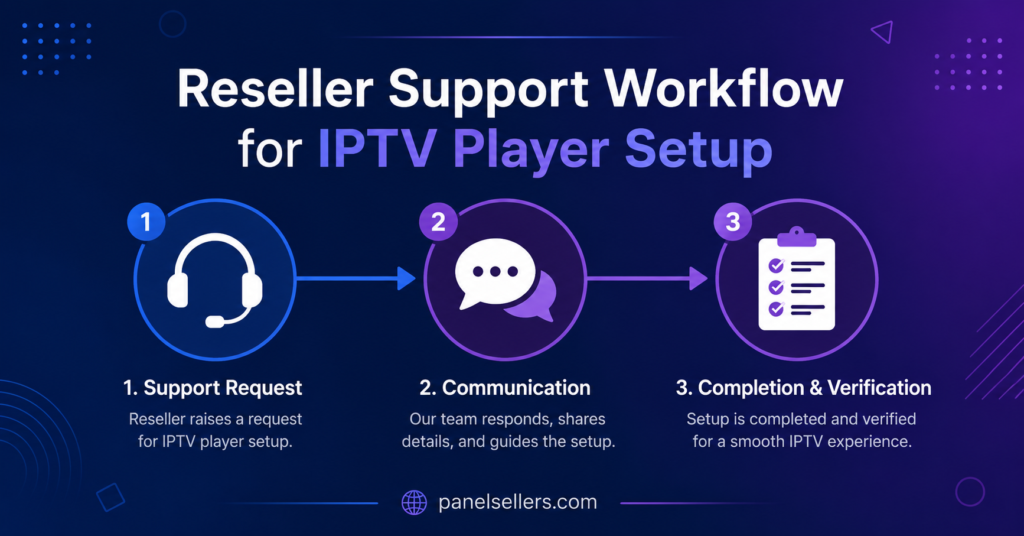
Where Resellers Source Panels for Skypro IPTV Player Setups
Resellers looking to build a service around the Skypro IPTV Player generally start by securing a stable panel first, since the player app is only ever as reliable as the source feeding it. An IPTV reseller panel from a credit based provider lets resellers generate lines for their own customers without managing server infrastructure themselves.
Anyone comparing providers can check how a reseller panel works before committing, since understanding the credit and line system upfront avoids confusion later. Pricing structures also vary meaningfully between providers, and reviewing current reseller credit packages side by side is a reasonable first step before choosing a panel to pair with a Skypro IPTV Player rollout for customers.
Frequently Asked Questions
Does the Skypro IPTV Player come with channels included?
No. The Skypro IPTV Player is a display app only. Channels come from whatever playlist or Xtream Codes login you connect to it, provided separately by an IPTV subscription or panel service.
Can I use the Skypro IPTV Player on a Smart TV?
Availability depends on the TV’s operating system and regional app store. Some Smart TVs support it directly, while others may require an external streaming box or stick to run it.
Why does the Skypro IPTV Player keep buffering?
Buffering is almost always related to internet speed or server load from the provider side rather than the player app itself. Checking connection speed and confirming with the provider are the first troubleshooting steps.
Is the Skypro IPTV Player free to use?
The app itself may be free or low cost to download, but it requires a separate paid subscription or panel connection to actually stream any content.
What happens if my Skypro IPTV Player subscription expires?
Channels will typically show as offline or fail to load until the underlying subscription or credits are renewed through your provider.
Conclusion
The Skypro IPTV Player is, at its core, a straightforward media player that depends entirely on the quality of the subscription or panel behind it. Understanding that the app itself is just a display layer, not a content source, clears up most of the confusion people run into during setup. Whether you are a subscriber setting it up for the first time, a reseller supporting customers through it, or a sub-reseller one step further down the chain, the same principle holds. The Skypro IPTV Player will only perform as well as the service feeding it, so choosing a reliable provider matters more than the app itself.
Subscriber Checklist
- Confirm connection type, M3U or Xtream Codes, before downloading
- Double check server address and login details for typos
- Allow time for the full channel list and EPG to sync on first launch
- Keep provider contact details handy for buffering or offline channel issues
Reseller Checklist
- Prepare a simple setup guide for the Skypro IPTV Player to send new customers
- Know common fixes for buffering, offline channels, and blank EPG issues
- Confirm which player app your panel or provider recommends before onboarding customers
- Track expiry dates closely to reduce “channels not working” tickets
Sub-Reseller Checklist
- Keep setup instructions from your upstream reseller on hand for quick customer support
- Escalate server side issues upward rather than troubleshooting infrastructure directly
- Maintain a clear renewal reminder system for your own customer base
- Review reseller panel options periodically to confirm your upstream source remains stable