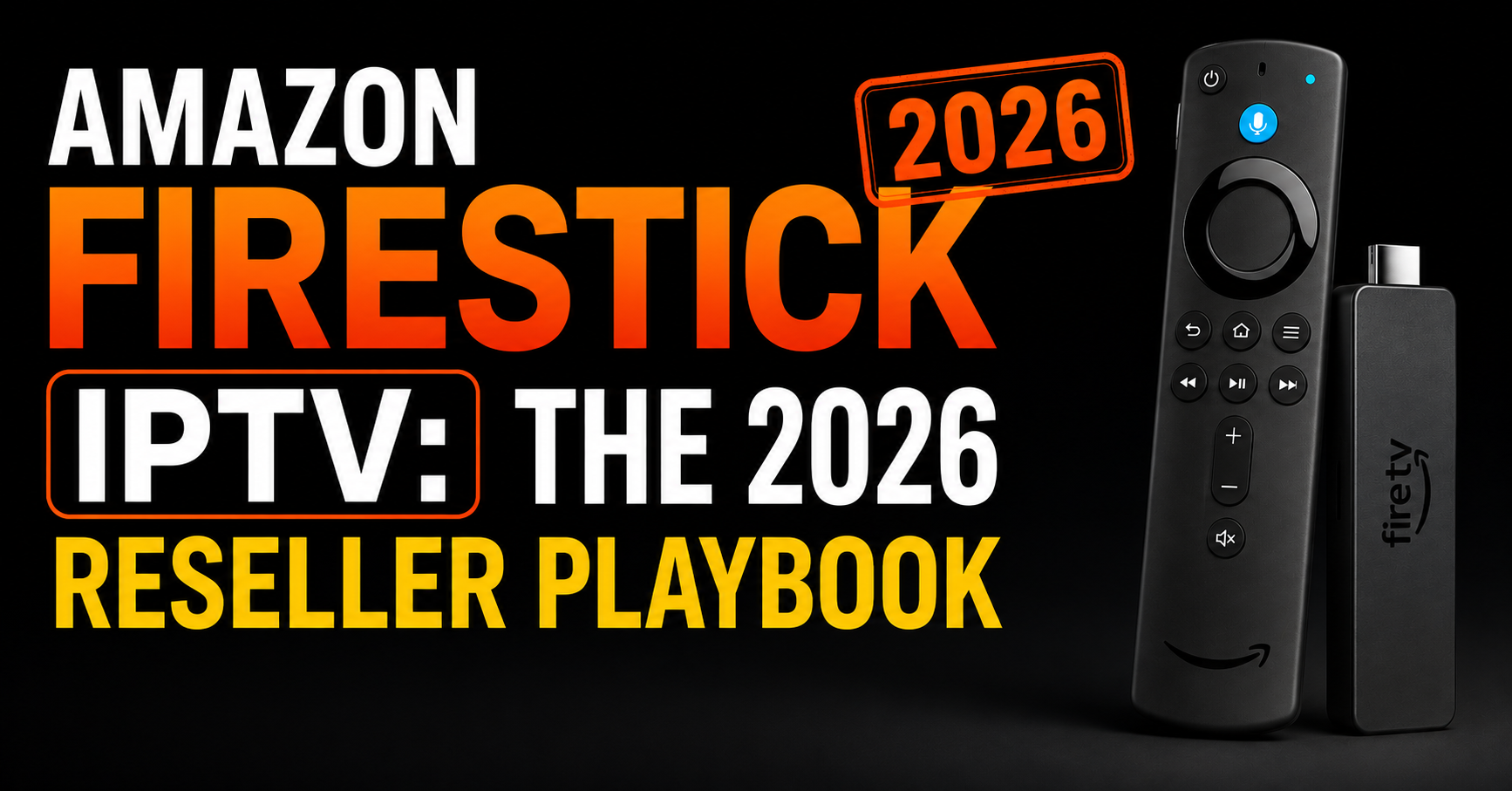

Amazon Firestick IPTV: 7 Fixes Resellers Swear By
Most Amazon Firestick IPTV problems trace back to one of three places: DNS-level ISP throttling, an overloaded uplink, or a player still relying on a static M3U URL instead of the Xtream Codes API. Below are the fixes experienced resellers actually reach for, in the order that gets a dead stream working again fastest.
Last Tuesday, a sub-reseller in Manchester called me at 2 a.m. His client base, forty-three households, all on Amazon Firestick IPTV, had simultaneously gone dark. Channels frozen. Buffering wheels spinning forever. The panel showed all lines active. Server load was healthy. Yet nothing played. By the time we finished triaging, the culprit wasn’t his panel, wasn’t his uplink, and wasn’t even the app. It was the ISP quietly throttling Firestick traffic at the DNS layer during peak hours, something that’s become routine in 2026.
That call is why this guide exists. Because most people writing about Amazon Firestick IPTV have never lost a customer at 11 p.m. on a Champions League night. We have. And the lessons stick differently when revenue is bleeding in real time.
Why the Firestick Became the Reseller’s Default Hardware
The Amazon Firestick IPTV combination didn’t win by accident. It won because the hardware sits in a sweet spot the industry hasn’t matched. You’re looking at a sub-£40 device with an HDMI plug, a remote, and enough horsepower to handle HEVC streams without sweating. For a UK IPTV reseller, that means almost zero hardware-related support tickets. Customers don’t return Firesticks. They blame the service.
The deeper reason it dominates is sideloading. Unlike Google TV or Roku, the Fire OS skin on top of Android lets users install third-party APKs through Downloader without rooting anything. That single fact is why the Amazon Firestick IPTV pairing became the de facto standard across the UK and Europe. Resellers can ship a credential set and a four-minute walkthrough, and the customer is watching premium sports streams within ten minutes.
But here’s what newer resellers miss: the Firestick’s strength is also its weakness. Because it runs a stripped Android build, it under-allocates RAM to background processes. When a major broadcaster’s stream pushes high-bitrate HEVC at 1080p, a 1st-gen Stick will choke. Knowing which generation your customer has is half the support battle.
Pro Tip: Always ask new customers for their Firestick model code (printed on the back). If it starts with “LY73PR” they’re on a 1st-gen device, push them toward 720p streams or upsell a Fire TV Stick 4K Max immediately. You’ll save yourself a refund.
The ISP War Nobody Warned You About
Something shifted in late 2025 that most casual readers of Amazon Firestick IPTV content still don’t grasp. ISPs across the UK, Ireland, and parts of Western Europe started deploying AI-driven traffic classification. Not deep packet inspection in the old sense, actual machine-learning models trained to recognise HLS latency patterns, chunk request frequencies, and the telltale fingerprint of a panel-fed stream hitting a Firestick.
The result? DNS poisoning isn’t manual anymore. It’s automated, predictive, and rolling. Your customer’s stream might work perfectly at 3 p.m. and die at 7:45 p.m. because an algorithm flagged the traffic pattern during peak load.
This is why the old advice of “just change your DNS to Cloudflare” no longer holds. Resellers need a layered approach:
- Encrypted DNS at the router level (DoH or DoT) so the ISP can’t sniff lookups
- A backup uplink server on a different ASN entirely
- Stream URL rotation every 14 days minimum
- Customer-side WireGuard configs for the most stubborn ISPs
The Firestick setup itself is innocent. The infrastructure feeding it is what gets hunted.
Why Backup Uplink Servers Are No Longer Optional
If you’re running a panel without geographically separated uplink servers, you’re one ISP campaign away from refund week. I learned this in 2023 when a single Frankfurt data centre routing change knocked out 60% of my customer base for nine hours. Now every serious operation runs minimum two uplinks, typically one in Amsterdam and one in either Bucharest or Sofia, with automatic failover. Cost? Around €180/month extra. Worth every cent the first time it saves you.
How to Set Up a Firestick Without Creating Support Tickets Later
The installation phase is where most resellers create their own problems. They walk a customer through Downloader, install an app, drop in credentials, and call it done. Six weeks later the customer calls because the app updated, broke the playlist URL, and now nothing works.
Here’s the installation flow we actually use, refined across thousands of Amazon Firestick IPTV deployments:
- Factory state check: confirm Fire OS is updated, but disable auto-updates afterward via Settings, My Fire TV, Developer Options
- Enable apps from unknown sources before installing Downloader, not during the panic of trying to sideload
- Use a player that supports Xtream Codes API, not just M3U, this matters because the customer never sees a broken URL when channels rotate
- Lock the home screen layout so the customer can’t accidentally drag the IPTV app off and “lose” it (genuine support ticket category)
- Pre-configure the buffer settings to 8–10 seconds for standard streams, 15 for 4K
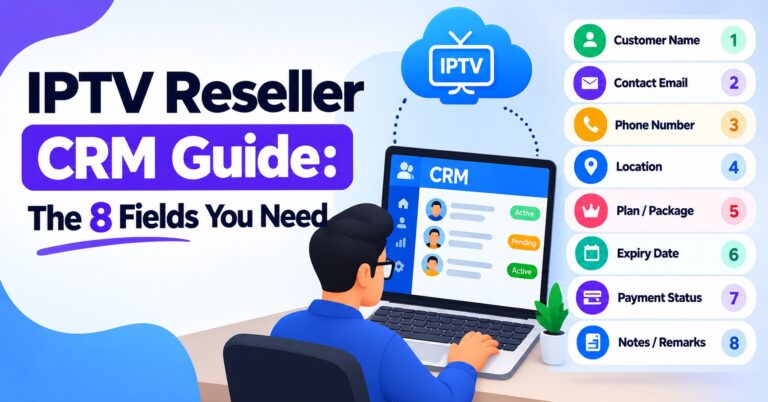
- Save the EPG source URL separately and label it in your CRM
Most of these steps take ninety seconds each. Skipping them costs you forty-minute support calls later.
Pro Tip: Screen-record the entire installation once, edit out the credential entry, and send it as a private YouTube link to every new customer. Cuts your onboarding time by 70%. We use the same video for eleven months at a time.
The Buffering Diagnostic Nobody Teaches
When a customer says “it’s buffering,” they could mean nine different things. Real diagnostic work on Firestick setups requires you to ask the right question, not the obvious one.
Here’s the pattern-matching table we actually use:
| Symptom customer reports | Real likely cause | First fix to try |
|---|---|---|
| “Channels freeze every few minutes” | HLS latency from overloaded uplink | Switch to backup server URL |
| “Picture is pixelated then catches up” | Customer Wi-Fi congestion, not stream | Move Firestick to 5GHz band |
| “App keeps crashing back to home” | RAM exhaustion on 1st/2nd gen Stick | Clear cache, restart, suggest 4K Max |
| “Nothing loads at all after 7pm” | ISP throttling / DNS poisoning | Deploy DoH or VPN at router |
| “Sports work but movies buffer” | VOD server separation issue | Check panel VOD routing config |
| “Works on phone, not on Stick” | Player app needs reinstall or update | Reinstall, restore via credentials |
This table sits printed next to my desk. Every reseller on my team has a copy. Pattern recognition is what separates a fifteen-minute fix from a two-hour rabbit hole.
The Pricing Psychology Behind Firestick IPTV Subscriptions
Selling Amazon Firestick IPTV subscriptions isn’t really a hardware sale or a software sale, it’s a reliability sale dressed up as entertainment. And reliability has a counterintuitive pricing curve.
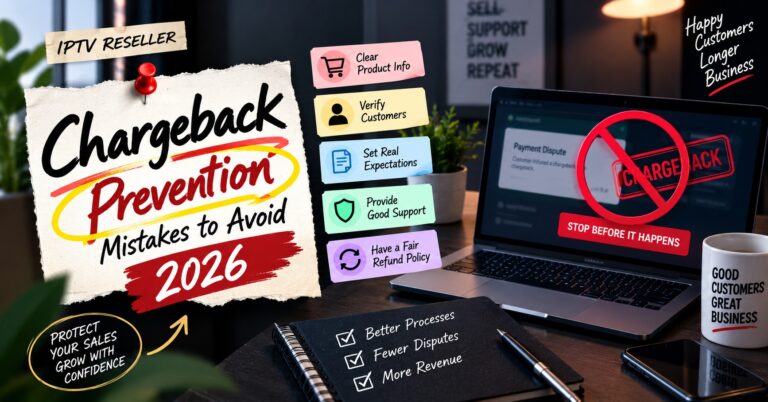
The newer resellers I mentor always want to undercut the market. They price at £4/month thinking volume will save them. It won’t. At £4/month, the customer expects the price and assumes the quality matches. When their stream goes down for an hour, they refund-chase, dispute the PayPal charge, and post on a Facebook group. The maths is brutal: one chargeback at £4 costs you the margin on twelve other subscriptions.
Price the same product at £9–£12/month, and something interesting happens. The customer becomes invested in the relationship. They WhatsApp you politely when something breaks. They give you 48 hours to fix it. They refer their brother-in-law.
Panel Credits, Load Handling, and the Mistake That Kills Resellers
The single biggest operational error I see in new Amazon Firestick IPTV UK reseller businesses is panel credit hoarding without load planning. They buy 500 credits at a discount, sell 500 lines, then watch their main server choke because they never considered concurrent connection patterns.
Here’s what nobody tells you: 500 lines doesn’t mean 500 concurrent streams. It means roughly 280–320 concurrent streams at peak (7–11 p.m. Saturday). If your uplink is provisioned for 250 concurrent, you’ve just sold yourself into a buffering nightmare every weekend.
Load balancing across multiple panel sources isn’t a luxury, it’s survival. The serious operations split credits across two or three providers and route customers based on geographic latency. A customer in London gets the Amsterdam-fed line; a customer in Edinburgh might get a different uplink entirely.
Pro Tip: Track your concurrent peak every Saturday night for four weeks before buying your next credit batch. Buy credits to match your peak +25%, not your total subscriber count. This single discipline has saved me thousands in over-purchased credits.
The experience your customer gets on their Firestick is downstream of decisions you made weeks earlier at the panel layer. They’ll never know. They’ll just renew, or they won’t.
Scaling Past 200 Customers Without Losing Your Sanity
Around the 150–200 customer mark, every reseller hits a wall. Support messages start arriving faster than you can answer them. Renewal tracking falls behind. You miss a payment notification and lose a customer who would have stayed for years.
This is when the Amazon Firestick IPTV business stops being a hustle and starts needing infrastructure. Not server infrastructure, operational infrastructure:
- A CRM, even a basic one (Notion or Airtable works for the first 500 customers)
- Automated renewal reminders via WhatsApp Business API
- A second person handling tier-1 support (cousin, friend, anyone reliable)
- Standard response templates for the eight problems that make up 90% of tickets
- A clear refund policy in writing, sent at signup
The resellers who scale past 1,000 customers all built these systems between months 6 and 12. The ones who didn’t are still running 80-customer operations five years later, complaining about burnout.
FAQ
How do I install Amazon Firestick IPTV without breaking warranty or security?
Installing Amazon Firestick IPTV is done through legitimate sideloading using the Downloader app from the Amazon Appstore. This doesn’t void warranty or root the device. You’re simply installing a third-party APK that Amazon’s policies permit through their “unknown sources” toggle. Avoid any guide that asks you to factory-modify the device, that’s both unnecessary and risky.
Why does my Amazon Firestick IPTV work perfectly during the day but buffer at night?
Peak-hour buffering almost always points to either ISP throttling (now AI-driven and pattern-aware), uplink server saturation at your provider, or local Wi-Fi congestion from other devices in your household. The diagnostic order should be: test on mobile data via hotspot first to isolate the ISP, then contact your reseller for an alternate stream URL if the issue persists.
Can I use one IPTV subscription on multiple Firesticks in the same house?
This depends entirely on how your subscription credits are structured. Most reseller lines permit one concurrent connection per credit, meaning two Firesticks streaming simultaneously will fight each other. Some providers offer multi-device credits that allow 2–4 concurrent streams. Ask your reseller before buying; assuming will only frustrate you.
Is it worth upgrading from a basic Firestick to the 4K Max for IPTV?
Yes, particularly if you watch sports or live news regularly. The 4K Max has roughly double the RAM and a noticeably faster processor, which translates directly into fewer app crashes, faster channel zapping, and smoother HEVC playback. For under £30 extra, it’s the most cost-effective upgrade in the entire Amazon Firestick IPTV ecosystem.
What should resellers do when ISPs start blocking their stream URLs?
Rotate stream URLs through your panel every 10–14 days, deploy encrypted DNS (DoH or DoT) at the customer’s router where possible, and maintain at least one backup uplink server on a different ASN. Communicate proactively with customers before they notice the issue, a heads-up message buys enormous goodwill compared to silence.
How many concurrent customers can one panel realistically support?
A single mid-tier panel reliably handles 250–350 concurrent connections during peak hours before HLS latency becomes noticeable. Beyond that, you need load balancing across multiple panels or a dedicated uplink. The mistake is conflating total subscribers with concurrent users, your real ceiling is determined by Saturday-night-at-9pm traffic, not your total customer count.
Why does my Amazon Firestick IPTV app keep losing the playlist after updates?
This happens when the app uses a static M3U URL rather than the Xtream Codes API. Static URLs break the moment your provider rotates servers or updates DNS. Switching to an Xtream-compatible player means the app authenticates via username/password instead of a fragile URL, so server changes happen invisibly behind the scenes.
Can I legally resell IPTV subscriptions in the UK and EU?
Legality depends on the source content and licensing. Resellers operating within authorized distribution chains and offering subscriptions tied to licensed content are operating legally. The grey area emerges when subscriptions include unlicensed premium sports streams or major broadcaster content. Before scaling any Amazon Firestick IPTV reseller business, understand your supply chain’s licensing status thoroughly.
Reseller Success Checklist
Before your next batch of Amazon Firestick IPTV sales goes out, run through this:
- Confirm minimum two uplink servers on different ASNs are active and tested
- Verify every customer line is on an Xtream Codes API, not a static M3U
- Pre-record your installation video and link it in your welcome message
- Set a calendar reminder to rotate stream URLs every 14 days
- Track Saturday 9 p.m. concurrent peak for four weeks before buying new credits
- Document your refund policy and send it at signup, in writing
- Tier your pricing into cheap / standard / premium, kill the £4 race-to-bottom
- Build a basic CRM (Notion is fine) to track renewals and support history
- Keep a screenshot of the buffering diagnostic table next to your workstation
- Test your own service from a different ISP every fortnight to catch issues before customers do
- Stock partnership relationships with trusted UK IPTV reseller infrastructure providers so you’re never single-sourced
The Amazon Firestick IPTV market in 2026 doesn’t reward the cheapest reseller. It rewards the most reliable one. Build for reliability and the rest follows.