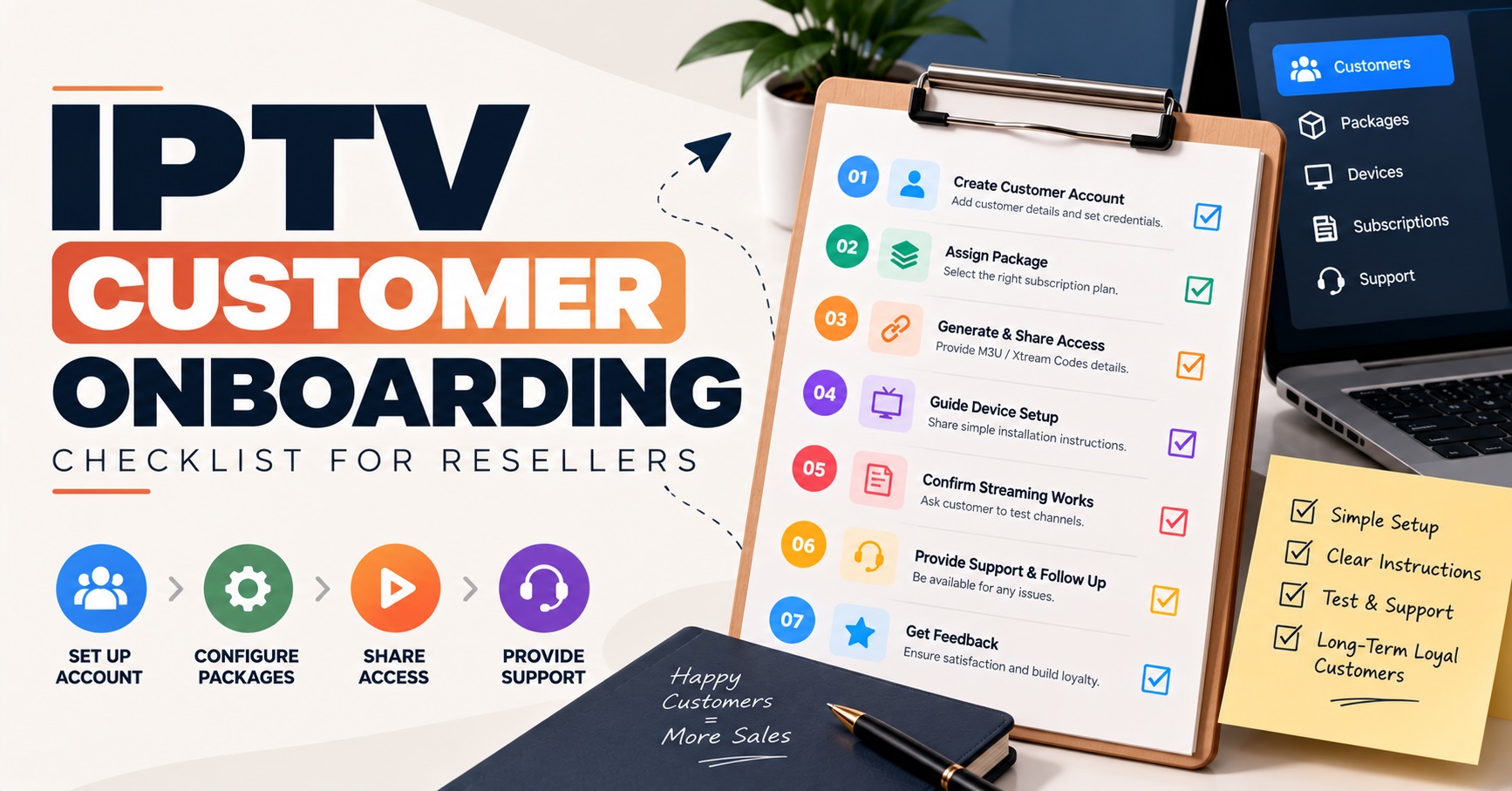

IPTV Reseller Customer Onboarding is everything that happens between a customer paying and that customer watching reliably on their own device. For most UK IPTV panel resellers, the first 24 hours decide whether the line is renewed or turns into a refund request. A sound process has five parts: collect device details before you send anything, deliver credentials cleanly, set honest expectations, give one clear route to support, and check back once the customer has actually used the service.
Most early complaints that sound like service faults turn out to be handover faults. A password copied with a trailing space, an app that expects a different login format, a customer who does not know whether to message you or the app developer. None of these needs technical depth to prevent, but all of them need a fixed order of work. What follows is that order, written from the reseller’s side of the desk.
Start with two questions, not the login details
Before any credentials leave your hands, ask which device the customer will use and which app they plan to install. These two answers decide almost everything that follows. Apps differ in how they log in: some want a server address, username and password, some want a playlist link, and some accept either. Send the wrong format and the customer’s first experience is a failed login, which feels like a broken service even though nothing is wrong with it.
Device age matters too. Older set-top boxes and some smart televisions have a limited choice of apps, and the app you would normally recommend may simply not be available for that model. It is far better to find that out before payment is settled than after the customer has already cleared an evening to set things up. If the customer has no app in mind, steer them towards one you know how to support. Every extra app you handle is another set of menus you have to be able to describe from memory.
Sending credentials so they work the first time
Send everything in one message, as plain text, with each item on its own line and clearly labelled. Server address, username, password, connection limit and expiry date belong together. When details arrive in four separate messages across an hour, one of them gets lost, and the customer ends up asking you to resend what they already have.
A screenshot on its own is a poor way to deliver login details. Customers retype what they can see, and a capital I, a lower-case l and a number 1 look much the same on a phone screen. Ask them to copy and paste, and to check that no space has crept in at the end of a field. That one instruction removes a surprising share of “invalid login” messages.
Never send credentials in a group chat, and never reuse one customer’s message as the base for the next. If you want to understand why so many apps ask for the same three fields, this explanation of the Xtream Codes API covers the login model IPTV resellers meet most often.
Pro tip: Keep a blank credential template with empty fields rather than editing a previous customer’s message. Copying an old message is how two people end up on one line.
When the app wants a playlist link instead
Some apps only accept a playlist URL. Send that link as its own line, separate from any other text, because long links break when they are wrapped inside a sentence. Also tell the customer that the link is personal to their line. Passing it to a friend uses up their connection allowance and can cause trouble for both of them.
Device setup that does not take over the customer’s evening
The setup itself is short once the app and login format are settled. The customer installs the app, opens it, chooses the login method you named, enters the details, and then waits. That last step is where people panic. The first load can take a while because the app is fetching the channel list and programme guide data, and a customer who gives up after a minute will tell you it does not work.
Tell them in advance that the first load is slower than every later one. Then ask them to test properly rather than glance at the home screen: open one live item, open one on-demand item if your service includes it, check that the programme guide has filled in, and let one of them play for a few minutes. A stream that starts is not the same as a stream that holds.
Customers who set up alone
Give these customers a short written sequence and one sentence on what to send you if something fails. They tend to prefer being left alone, so resist the urge to hover. The sequence only needs to name the app, the login method and the single thing to check first.
Customers who want guidance
Some customers would rather be walked through it, particularly on a television remote. Agree a time, keep the call or chat focused on the one device, and do not try to configure a second device in the same sitting. Fatigue causes mistakes, and a half-finished second setup is how you get a confusing support ticket the next morning.
Where IPTV Reseller Customer Onboarding Breaks Down in the First Day
Almost every breakdown comes from an expectation that was never stated. The customer assumed one thing, you assumed another, and the gap shows up as a complaint. Say these things plainly, in writing, at the start: what the subscription includes, how many devices can use the line at once, when it expires, and how renewal works. Tell them that the first load will be slow, that the programme guide may take a little longer than the channel list, and that their own network affects playback as much as anything on your side.
Be careful about what you promise. Describe only what you are actually authorised to supply. IPTV is a delivery technology, and whether the content is lawful depends on rights, permissions and local requirements. A reseller who is vague about that at onboarding is storing up a harder conversation for later, so keep the wording factual and avoid guarantees you cannot control, such as perfect playback on every network.
Also be honest about the limits of what you can fix. You can check the line, the login and the app settings. You cannot repair a weak wireless signal, a congested home router or an app that the device manufacturer has stopped supporting. Customers accept this readily when it is said at the start. They accept it much less readily when it is said for the first time during a fault.
One support route and what to ask for
Choose one channel for support and say which it is. A customer who writes to you on three platforms at once creates three half-conversations, and you will answer the wrong one. Tell them your support hours as they really are. If you are not available overnight, say so, and the silence at two in the morning stops feeling like neglect.
When something does go wrong, a customer’s first message is usually just “it’s not working”. Ask them to include the device, the app, the exact wording of any message on screen, whether they are on wireless or a cable, and roughly when it started. Those five details solve most cases before you even open the dashboard.
| What the customer reports | Usual cause | First thing to ask |
|---|---|---|
| Login rejected | Typing error, trailing space or wrong login format for the app | Ask them to paste the details into a message and say which login method the app is set to |
| Channel list loads but the guide is empty | Guide data still downloading or an app setting | Ask how long ago they first logged in and whether the app offers a refresh option |
| Playback stalls or buffers | Weak wireless signal, a busy home network or too many devices on one line | Ask whether the device is on wireless or a cable, and how many devices are using the line |
| Works on one device but not another | App differences or the connection limit | Ask which device fails and which app version it is running |
If trouble is limited to one network and the simpler causes have been ruled out, this guide to DNS settings for IPTV covers one more thing worth checking. Change nothing until the easier explanations are gone, though, because adjusting several settings at once makes the real cause harder to find.
If the fault turns out to be on the panel side, keep notes on what you have already ruled out. When you escalate to your own supplier, a short list of tested items gets a faster answer than a vague report.
The confirmation message that closes the first day
Do not send the follow-up immediately after setup. The customer has not yet had time to find problems. Wait until they have probably used the service in the evening, then ask three things: is it working on every device you wanted, did the programme guide fill in, and is anything unclear about the expiry date or renewal? Keep it short enough to answer in one line.
Record the answer. A customer who says everything works has told you something useful, and a customer who mentions a small annoyance has handed you a chance to fix it before it becomes a cancellation. Leave any upsell for a later message. Mixing a sales pitch into a “how did it go” message makes the check-in look like a pretext.
Pro tip: Send the follow-up at the time of day your customers are most likely to be watching, not at the time you happen to finish the setup.
What you keep track of behind the scenes
Onboarding also has a back-office side that customers never see. Record the customer name, device and app, line creation date, expiry date and the credit used for that line on the same day you set it up. When renewals come around, you will know exactly what was sold and when. If you are unsure how credits and lines connect on the supplier side, how the panel ordering process works is worth reading before you build your own record sheet.
Sub-resellers change the picture. Once other people sell under you, decide who handles first-line support, which message templates they must use, and what they can and cannot do from their own dashboard. A sub-reseller who improvises credentials or promises are a risk to your reputation as well as theirs, because customers usually blame the name they have heard of. Settle ownership of the customer relationship in plain terms early, including what happens if the sub-reseller stops trading.
Making the process stick
IPTV Reseller Customer Onboarding does not have to be elaborate. It needs three written templates, one support route and one follow-up, applied the same way every time. The first day will never be free of faults, because networks, apps and devices are outside your control, but a customer who was told what to expect and knew where to turn will usually give you time to fix them. Write your credential message, your expectations message and your follow-up this week, and use them on the very next customer before changing anything else.
Reseller Onboarding Checklist
- Device and app confirmed before any credentials are sent
- Login format matched to what the app accepts
- Credentials sent in one plain-text message, with expiry date and connection limit included
- Customer asked to copy and paste rather than retype
- Included services, device limit and renewal terms stated in writing
- First-load delay and network dependence explained in advance
- One support channel named, with real support hours
- First test completed: one live item, one on-demand item if included, and the programme guide
- Customer record saved with device, app, creation date, expiry and credit used
- Follow-up sent after the customer has had an evening of use
- Sub-reseller templates and support ownership agreed, where relevant