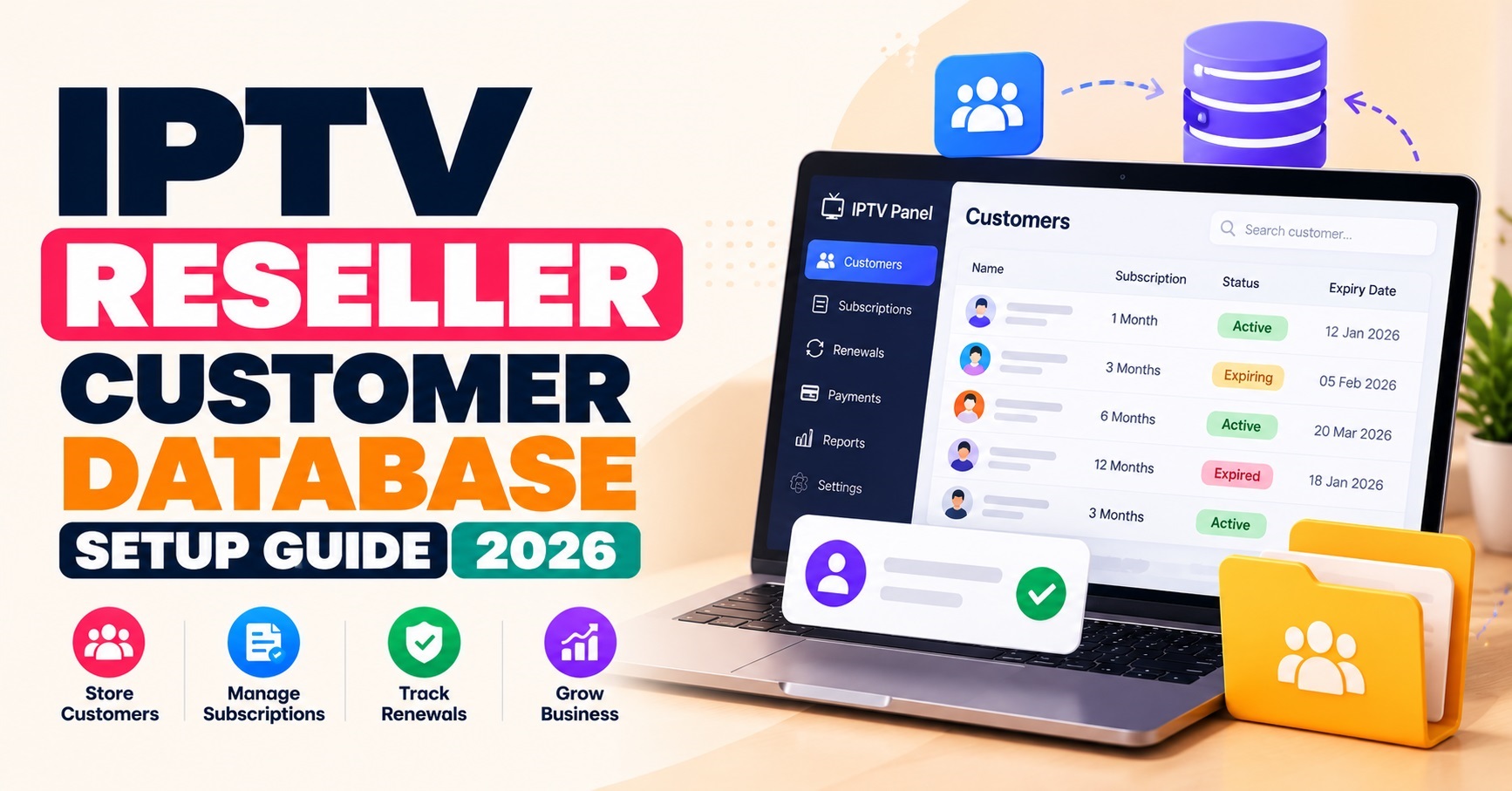

An IPTV Reseller Customer Database works best as three linked records rather than one long sheet: one for the person, one for each line they hold, and one for everything that happens to that line afterwards. Keep your own copy of expiry dates, statuses and support history, because a panel usually knows about lines, not about the customers behind them.
The most common failure is a single row per customer with one expiry date in it. That works until a customer buys a second line, a household shares one phone number, or a renewal is done on the panel and never written back. After that you are reconciling from memory, which is how people get chased for payments they have already made or lose a line that was meant to be renewed.
Why the panel itself is not your customer record
Your panel is the source of truth for the line: whether it exists, when it expires and how many connections it allows. It does not normally tell you who paid on which date, which messaging thread a complaint came from, or which sub-reseller brought the customer in. Those facts live with you, and if they are only in your head or in a chat history, they disappear when a staff member leaves or a phone is lost.
There is also a continuity point. If you change provider or lose panel access, a database you control means your customer list survives. If you are still getting familiar with how the dashboard side fits together, the IPTV reseller panel process on Panel Sellers is a useful reference before you design your own records.
How to Structure an IPTV Reseller Customer Database
Three record types cover almost every reseller operation, and keeping them separate is what prevents most of the later mess.
| Record | What it holds | Rule worth enforcing |
|---|---|---|
| Customer | Name or handle, preferred contact method, country, language, owner (you or a sub-reseller) | One person, one record, however many lines they have |
| Line | Panel line reference, customer ID, plan length, connection limit, expiry date, line status | One line per row, and the panel reference must be unique |
| Event | Date, line ID, what happened (renewal, suspension, support contact, device change), who did it | Add new events only; never rewrite old ones |
Give every customer an internal ID that you generate, and do not use an email address or phone number as the key. Contact details change, and a key that changes breaks every link built on it.
The event record is the one most resellers skip, and it is the one that settles disputes. When a customer says they renewed last week, a dated entry showing who processed it and how many credits it used is far more persuasive than anyone’s recollection. It also lets you see the real credit cost of each customer over time without estimating.

Fields worth keeping, and the ones to leave out
Store what you need to renew, support and bill a customer, and little else. In practice that means the contact method you really use, the country or time zone for reminders, the language they prefer, the app or device they use (support asks about this first), where the customer came from, and a short notes field.
Leave out anything that creates risk without helping you serve the customer. Do not keep card numbers, bank details or copies of identity documents in a customer sheet. Do not log what customers watch. Line passwords deserve particular care: if you must hold them, use a proper password manager rather than a visible column, and remember that many panels let you reset a login on request anyway.
Collecting less is also easier to defend. UK data protection rules expect personal data to be adequate, relevant and limited to what is necessary, and similar principles run through the privacy laws of other English-speaking markets. A database also says nothing about the rights position of what you supply. That depends on the permissions held by your provider and on local rules, so keep your records tied to authorised services.
Pro tip: If you cannot name the task a field supports, such as renewing, billing or fixing a playback problem, do not collect it.
Stopping duplicates before they happen
Duplicates rarely come from carelessness. They come from the same person reaching you through two routes, a sub-reseller adding someone you already hold, a typo in an email address, or a phone number written three different ways.
Normalise at the point of entry rather than cleaning up later. Store emails in lower case with no stray spaces, and write phone numbers in one international format with the country code. Before creating a new customer, search on two fields, such as contact and name, instead of one. In a spreadsheet, data validation and a conditional format that highlights repeated values do most of the work. In a CRM or database, a unique constraint on the line reference stops the same line being entered twice.
Be careful about making contact details strictly unique. Two people in one household may legitimately share a number, so a duplicate contact should trigger a warning and a quick check, not a hard block. The customer ID is what must always be unique.
When you do find a duplicate, merge instead of deleting. Move the lines to the record you are keeping, add an event noting the merge, then archive the other record. Deleting loses the history that explains why the second record existed.
Status fields that each mean one thing
A single status column that mixes “active”, “awaiting payment” and “chasing” looks tidy and fails quickly, because one customer can be in all three situations at once. Split status into separate fields, each with a short fixed list.
| Status field | Typical values | Who changes it |
|---|---|---|
| Line status | trial, active, suspended, expired, cancelled | You, mirroring the panel after any change |
| Billing status | paid, payment due, overdue, refunded | Whoever takes payments |
| Support flag | none, open, waiting on customer | Support staff |
Use dropdowns, not typed text, so “expired”, “Expired” and “ended” never become three different states. Write one sentence defining each value and decide when an expired line moves to archived. Without that, staff will use “inactive” to mean three different things and your reports will quietly stop being reliable.
Pro tip: Define every status word once, in writing, before anyone else edits the database.
Expiry tracking that triggers action
Store expiry as a genuine date, not text such as “three months”, and let a formula or saved view calculate days remaining. A filter for lines expiring soon, sorted by date, becomes your daily working list. Reminders then follow a rhythm you choose, for example one ahead of expiry and one shortly after, and the country or time zone field makes sure a reminder lands on a sensible day.
The panel remains the authority on the line itself, so compare your dates against it on a regular schedule. Where your panel exposes line details through an interface, the IPTV Xtream Codes API explained guide covers how that kind of access works and is worth reading if you want to automate the comparison instead of checking by eye. Any mismatch should be fixed in your records and logged as an event.
Renewals also spend credits, so record the credits used against each renewal event. Over a few months that shows which customers and sub-resellers are actually profitable, and it makes buying decisions easier when you review the credit package pricing against your real renewal pattern.

Who should be able to see and change what
Give each role the least access it needs. An owner can see everything and export. Support staff can read contact details and line status and add events, but cannot delete records or export the full list. A sub-reseller should see only the customers they own, never yours and never each other’s.
Sub-reseller arrangements need a written rule about customer ownership, because “who keeps the customer if the sub-reseller leaves” is far easier to settle before it happens. An owner field on every customer record makes that rule enforceable. Use individual logins for every person, turn on two-step verification for anyone who can edit, and remove access on the day someone leaves, not at the next review.
A full export is a complete copy of your customer list in one file, so treat it as its own permission, separate from viewing records on screen.
Pro tip: Keep export rights with one or two named people and review who holds them whenever a role changes.
Backups, retention and what to do if something goes wrong
A backup you have never restored is only a hope. Keep copies on a regular schedule, store them somewhere separate from the live database, restrict who can open them, and test by restoring one and checking that a known customer, their lines and their event history are all intact. Match the schedule to how quickly your data changes: a busy renewal week deserves more frequent copies than a quiet one.
Retention matters as much as backup. Decide how long expired and cancelled customers stay in the live database, when they are archived and when they are deleted, and apply the same period to old backups. UK data protection rules expect you to keep personal data no longer than necessary, and I would not invent a universal time limit, so choose one you can justify and write it down.
If something goes wrong, remember that a personal data breach is not only theft. Under UK GDPR it includes accidental loss, alteration or data being made unavailable. Where a breach is likely to put people’s rights and freedoms at risk, you must tell the Information Commissioner’s Office without undue delay and, where feasible, within 72 hours of becoming aware of it, and you should keep an internal record even for incidents you decide not to report. Other English-speaking markets, including parts of the US, Canada, Ireland and Australia, have their own notification rules, so check the requirements that apply to where your customers live. This is general information, not legal advice.
Common questions
Is a spreadsheet good enough for a reseller customer database?
For a small customer base with one or two editors, yes, provided you keep the three-record structure, use dropdowns and apply validation. Move to a CRM or proper database when several people or sub-resellers edit at once, or when you need real permission controls.
Should I store customers’ line passwords in the database?
Avoid it where you can. If you need them, keep them in a password manager rather than a visible column, and restrict who can open them.
How often should I compare my records with the panel?
Often enough that a mismatch is caught before a customer notices. Many IPTV resellers do a quick check on expiring lines every week and a full comparison monthly, adjusting to the number of renewals they handle.
What should I do with customers whose lines expired long ago?
Mark them archived, stop reminders, and delete them once your written retention period ends. Keeping every past customer forever is both a privacy risk and clutter.
Can sub-resellers see my customers?
They should not. Each sub-reseller needs access limited to the customers they own, with ownership recorded on every customer record.
Conclusion
A reliable IPTV Reseller Customer Database comes down to a few unglamorous decisions: separate customer, line and event records, one ID that never changes, status fields that each mean one thing, real dates for expiry, narrow access, and backups you have actually restored. None of it needs expensive software, and none of it replaces the panel, which stays the authority on the line itself.
The sensible next step is to build the three records this week, import your current customers, then run one full comparison against your panel to catch mismatches. After that, set access roles and test a backup restore. Data protection rules vary by country, so confirm the requirements for the markets you serve.
Reseller Database Checklist
- Customer, line and event records are separate, with an internal customer ID as the key
- The panel line reference is unique, so no line can be entered twice
- Emails and phone numbers are normalised on entry, and duplicates are merged, not deleted
- Line status, billing status and support flag are separate dropdown fields with written definitions
- Expiry is stored as a date and a saved view lists lines expiring soon
- Credits used are logged on every renewal event
- Every staff member and sub-reseller has an individual login with the least access needed
- Full export rights sit with one or two named people
- A backup has been restored and checked within the last few months
- A written retention period exists for expired and cancelled customers


[…] apps ask for the same three fields, this explanation of the Xtream Codes API covers the login model IPTV resellers meet most […]